
The only way to get your radio automation data in sync with your Visual Radio Assist system until now was to connect via one of the many available integrations. Introducing the Generic Link:
You can now push Automation data (current / upcoming trackdata) in a specified format to Visual Radio Assist, and automatically use the data to trigger Content on Output Players, make Album/Artist- metadata visible in images and text and more.
Read all about it in the new Generic AutomationLink documentation ✨ . Looking to connect your radio automation in a more customised way? Let’s built an integration together: check the docs Connecting with AutomationLink
More from the blog
All posts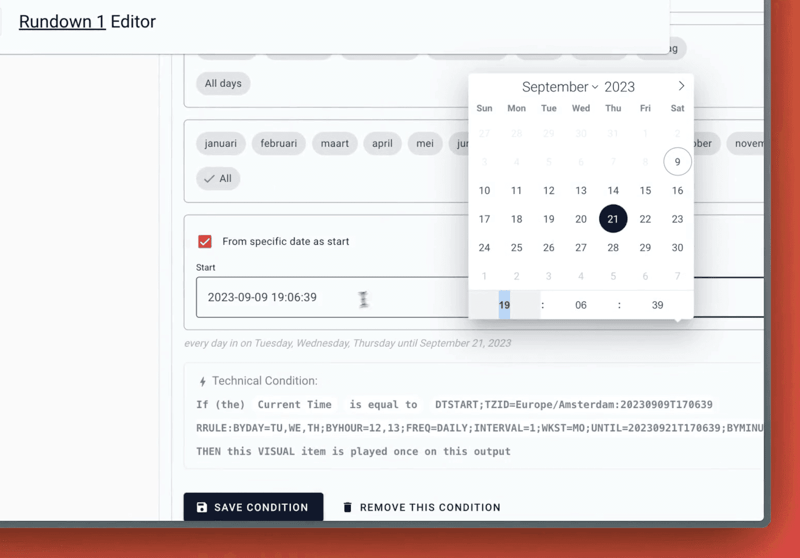
Product · 9 September 2023
Time Conditions with date scope
Read about the latest updates to the Server Core of Visual Radio Assist, including enhancements to time conditions for automations and a new generic AutomationLink for connecting radio automation data to the platform.
1 min read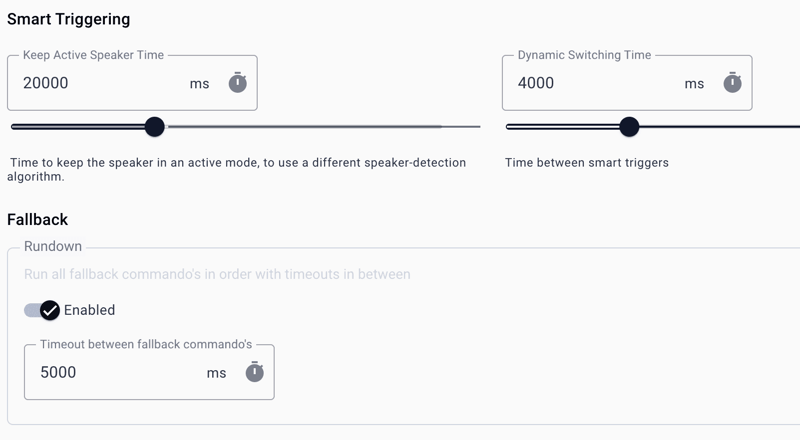
Product · 15 May 2023
Tweaking Audio Manager Smart Settings
Visual Radio Assist's Audio Manager has always been a powerful tool for managing audio in Visual Radio (TV) Broadcast. With the new controls for Dynamic Switching Time and Keep Active Speaker Time, VRA is taking things up a notch.
2 min read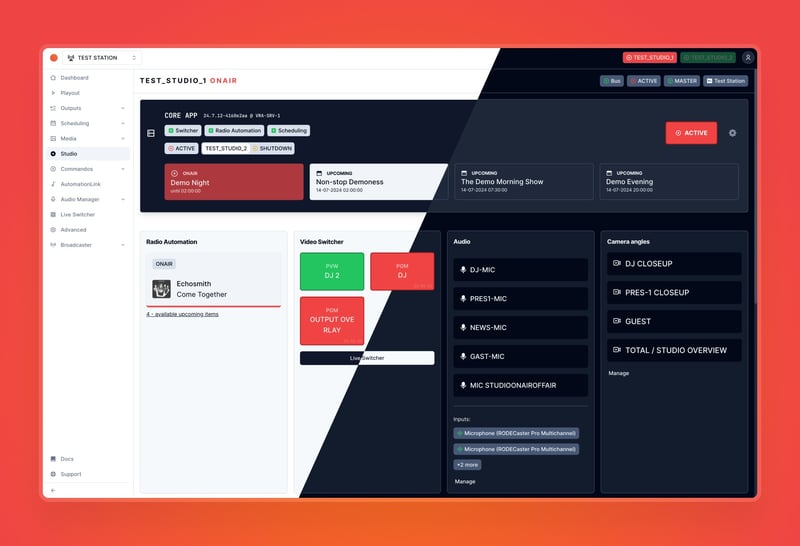
Product · 14 July 2024
Fresh new look: revamping Visual Radio Cloud
Discover the latest updates to the VRA Cloud interface, including a modernised look, improved accessibility, and customisable dark and light modes.
3 min read