
The operating system for visual radio.
Powerful, autonomous and broadcast-ready Visual Radio software to help you supercharge your on air performance.
Design and play out graphics and video



Radio runs with the team you have. Visual radio asks for a pair of hands you don't have.
VRA Cloud connects five local studio applications, nine public visual radio products, and integrations in one operating system.
- Audio Triggers
- Automation
- Scheduling
- Integrations
- Media Hub
- Visual Designer
- Camera Assist
- Render Engine
- Clips
- Playout
- Core
- Audio Manager
- Camera Assist
- Output Player
- Media Server
Highlighted features
Meet the
Visual Radio OS
Mic-activated camera switching
The microphone that opens picks the camera. VRA listens to every channel in your studio, works out who has the floor, and cuts to them without anyone on the desk.
- Fires on mic activity: a level threshold, or the channel's own noise gate
- The show on air and who presents it can change which shot a mic picks
- Two presenters talking at once take the 2-shot instead of fighting over the cut
Cameras that frame themselves
Your studio cameras hold a named shot size on their own, close up through wide, without anyone behind a joystick. You can take manual control at any point.
- Framing to a named TV shot size, not auto track
- Say how many faces belong in frame, and it works to that
- A camera stays off air when there is nobody in frame
Browser-based graphics with live station data
Build your station's on-screen graphics in the browser and link them to live data. The song title and the presenter's name fill themselves in, and there is no new file to export from After Effects for every show.
- Any text or image can read the schedule, the now-playing feed or your own data
- Layers show or hide themselves depending on what is on air
- One design scales from a 1080p SDI feed to a 4K screen
Rundown automation for every output
Playout decides what is on screen right now for every output of your station. It can run a show on its own, or an operator can take control at any point.
- Episode playout with the on-air program and the next five in view
- Live items step in on a condition, then hand back to the rundown
- Preview a different episode than the one on air, then take it
In-browser clip editor for live recordings
Find the best moment of the show, cut it in the browser and get a finished file back. The recording itself stays where you recorded it.
- Mic-open ranges from Audio Manager mark the moments for you
- Crop to 9:16, 1:1, 4:3 or 16:9, ready to post
And more.
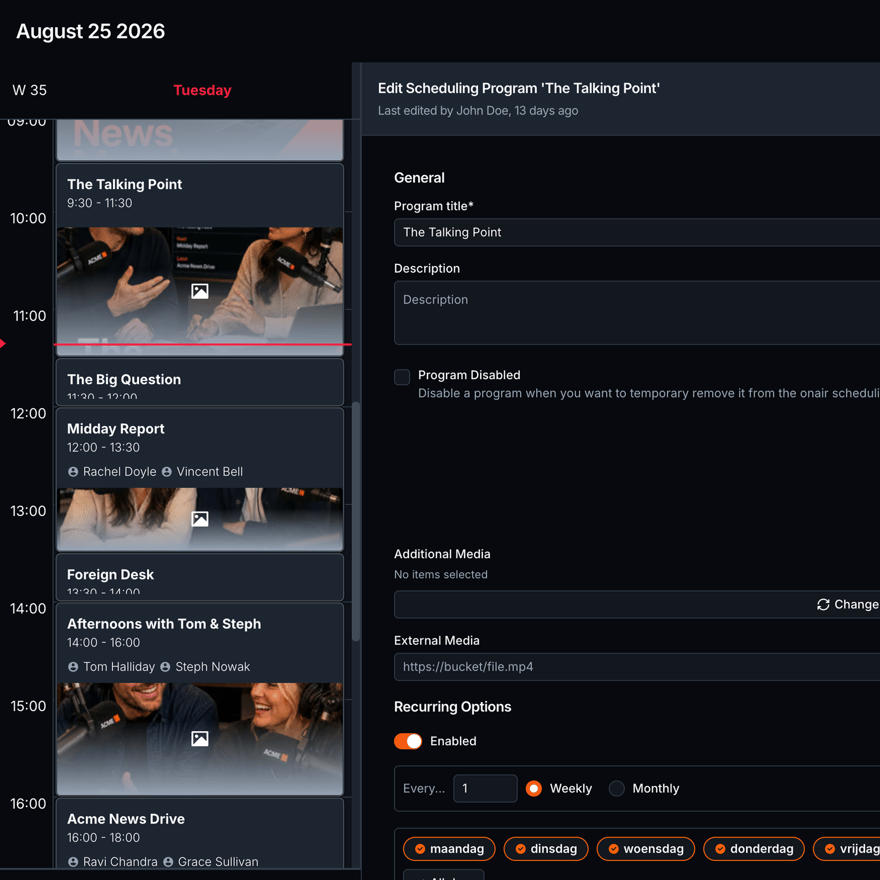
Scheduling
The program grid the rest of the platform reads. What is on air, what is next, who is presenting.
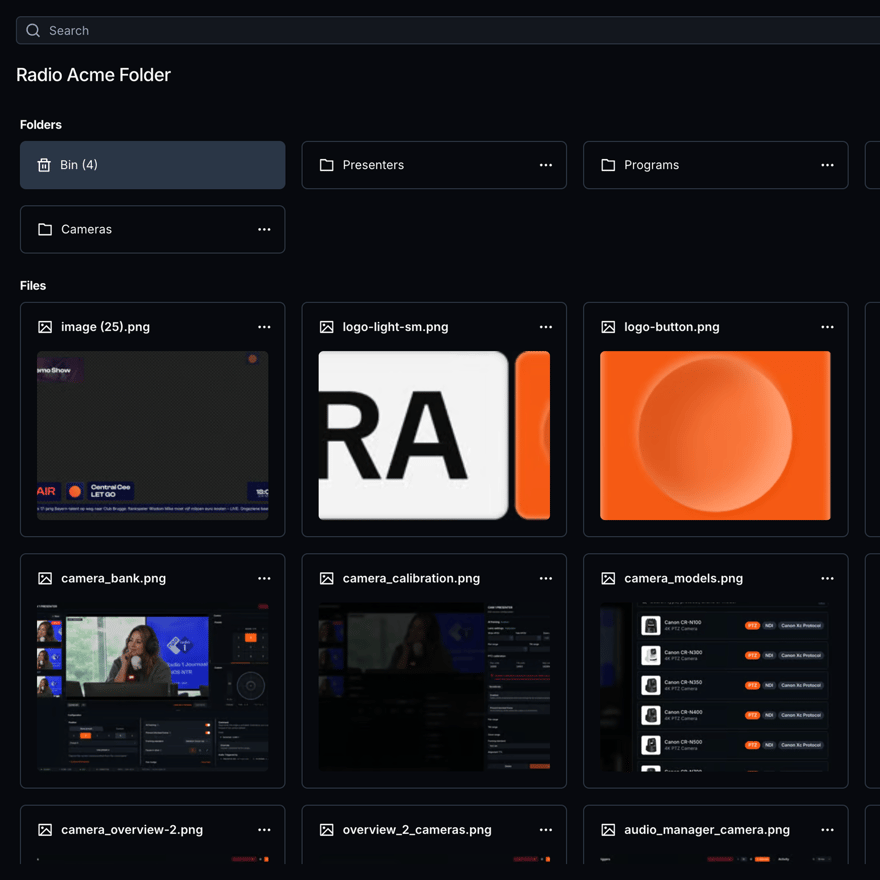
Media Hub
One asset library. Folders, upload, metadata and a bin, shared across every studio.
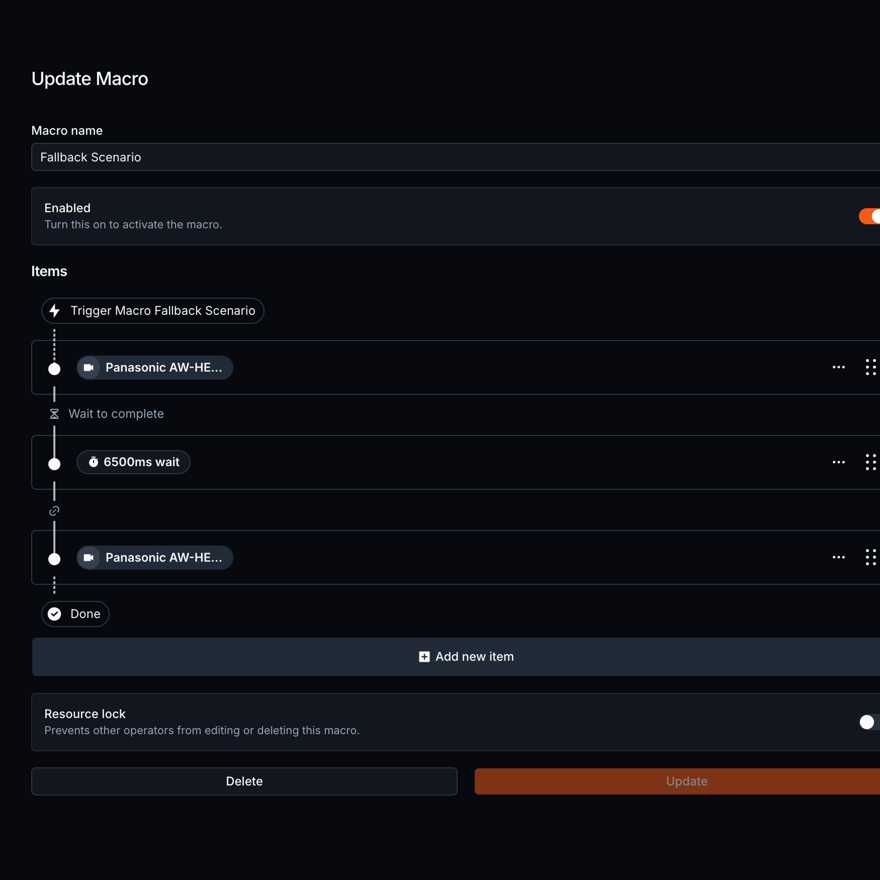
Automation
One action vocabulary. Macros, conditions and automations that fire without a human.
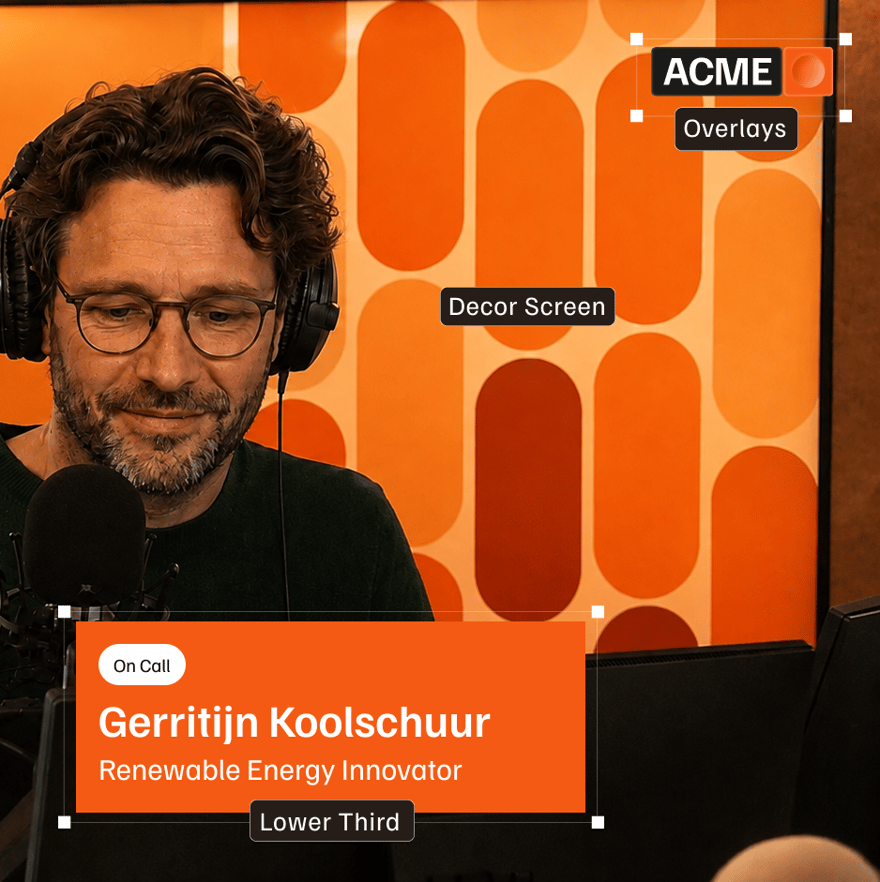
Render Engine
The installed app that renders an Output to SDI, NDI or a Cloud Live preview.
Scheduling
The program grid the rest of the platform reads. What is on air, what is next, who is presenting.
Media Hub
One asset library. Folders, upload, metadata and a bin, shared across every studio.
Automation
One action vocabulary. Macros, conditions and automations that fire without a human.
Render Engine
The installed app that renders an Output to SDI, NDI or a Cloud Live preview.
Scheduling
The program grid the rest of the platform reads. What is on air, what is next, who is presenting.
Media Hub
One asset library. Folders, upload, metadata and a bin, shared across every studio.
Automation
One action vocabulary. Macros, conditions and automations that fire without a human.
Render Engine
The installed app that renders an Output to SDI, NDI or a Cloud Live preview.
Visual radio architecture
Local stability.
Cloud availability.

VRA Cloud
Realtime access from every browser.
Your station infrastructure
Runs on what you already own.
Nothing gets migrated. VRA connects to the switcher, the cameras, the radio automation and the audio you already run.
41+
Consoles, automation, cameras, switchers and outputs. VRA connects to what your studio already runs.
See all integrations5
Video Switchers and Routers
Blackmagic ATEM, vMix, OBS
7
Audio Interfaces
Dante Virtual Soundcard (VCS), RME Digiface Dante, RAVENNA
9
Radio Playouts
Aeron, OmniPlayer, mAirList
8
PTZ cameras
Marshall, Panasonic, Sony
3
Video Transports
Blackmagic DeckLink (SDI), NDI, Open Media Transport (OMT)
9
GPIO and Control
Bitfocus Companion, Cuez, Ember+
One subscription. Setup, integrations, support and updates included.
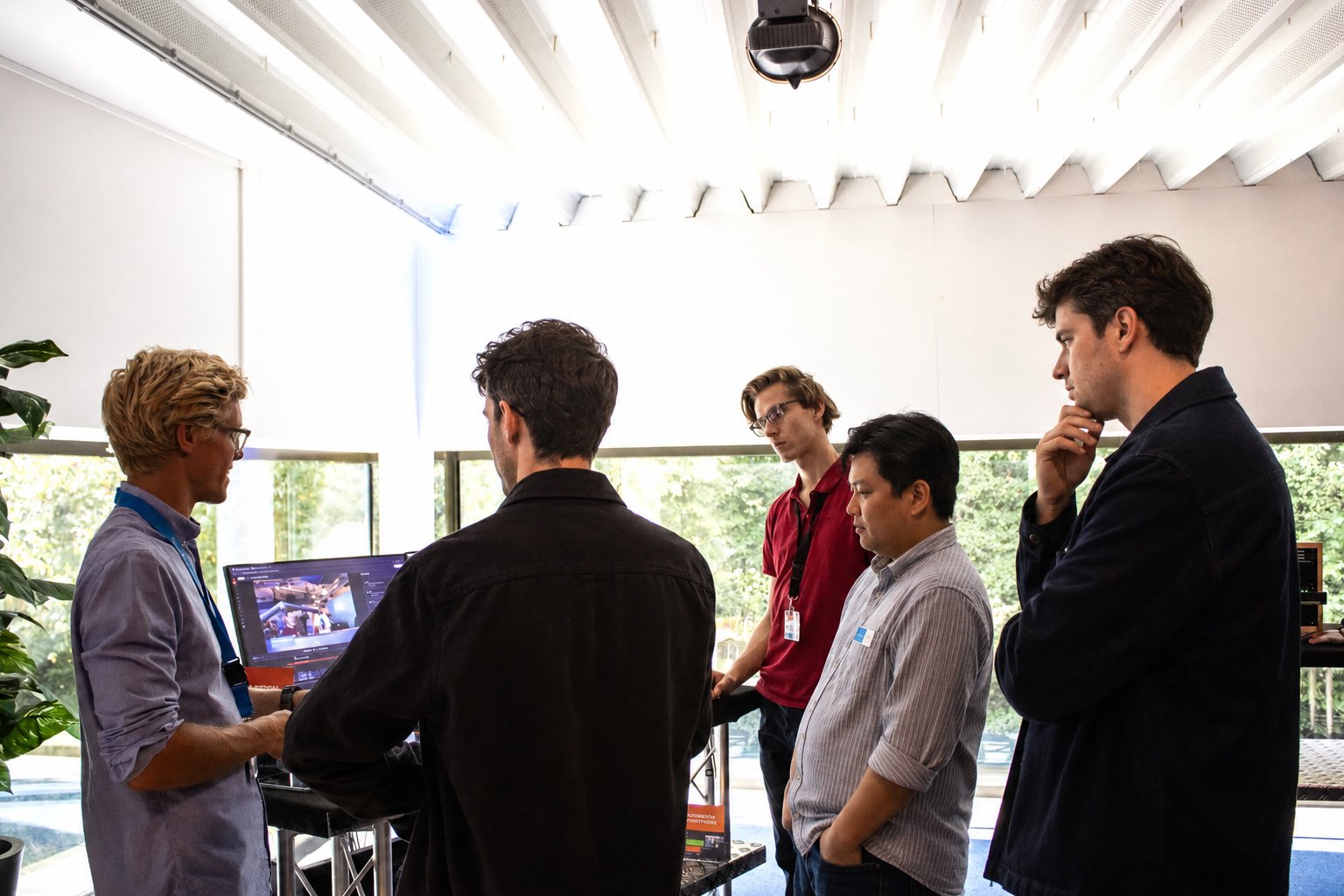
The VRA team walking a broadcast crew through the platform.
Custom integrations, built in
VRA connects to the gear and systems you already run. When a link is missing, like an existing datalake or API, we build it for Enterprise stations.
Broadcast-level support
On every plan, you reach the people who build the platform directly, by phone or email.
Response times you can plan on
Each plan sets how fast we respond, down to under 24 hours on Pro, with an SLA on request.
Recently released.
The newest things your station can do.
4.7.30
6 November 2026
Video and data playlists on the animation timeline
Video layers and data playlists sat outside the new animation timeline. A video ran on its own clock, and a visual with a data playlist could not move its old animations to the timeline at all.
4 November 2026
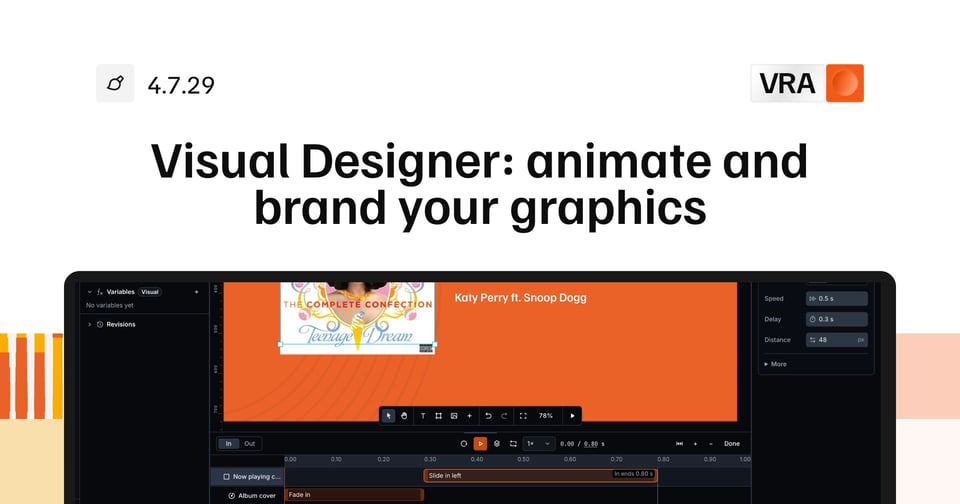
Visual Designer: animate and brand your graphics
Animating a graphic used to mean picking a transition mode, setting fades layer by layer, or writing your own CSS and code. You could not see the timing of a whole visual in one place.
4.7.27
28 October 2026
Refinements across VRA
A release of small changes, most of them saving a step you take often.
4.7.15
12 October 2026
Studio Routing for Integrations
Moving a studio to another station, like a station switch during the day, could only be done by hand on the Station Link page. An integration connected through a machine user had no way to do it, and on the Station Link page a studio could be moved without a confirmation.
Visual radio questions.
What is visual radio? +
Visual radio is a radio show produced as video at the same time it goes out as audio, with cameras in the studio and graphics on screen. VRA runs that video side from what a radio studio already has: the microphones decide the shot, and your radio automation and schedule fill in the graphics.
Do I need a video operator to run visual radio? +
No. The microphones pick the camera, and a supported PTZ camera frames its next shot before it goes on air. Your radio automation and schedule fill in the graphics. Anyone on the team can still take over from the browser at any moment.
Does VRA work with my ATEM, vMix or OBS? +
Yes. VRA tells the ATEM, vMix or OBS you already own which input to take. The graphics reach it as an NDI or SDI source from the Render Engine, the VRA software on a machine in your studio.
What happens to the show if the internet goes down? +
The applications that handle your signal run on your own machines in the studio, so going to air does not depend on the internet staying up. VRA Cloud is where your team sets everything up and keeps control from a browser, and that part does need a connection.
We will run it on your setup.
Bring the model names of your switcher, cameras and radio automation. We check each connection with you and show the workflow on gear like yours.