Turn your Radio Show into Social Media Clips in Minutes
Introducing Visual Radio Assist Clips: A New Approach to Post-Production
Jochem Vogel
The Post-Production Challenge in Radio Broadcasting
Radio stations worldwide struggle with the same bottleneck: post-production for social media snippets is incredibly time-consuming. A typical one-hour Full HD recording (potentially 4K) can easily reach 10GB in size. Stations have traditionally faced two equally frustrating options:
Option 1: Cloud Upload Nightmare Upload the entire recording to cloud storage for editing. This approach is nearly impossible without compression, which degrades quality. Even with fast internet, uploading 10GB files creates significant delays before editing can begin.
Option 2: Local Download Inefficiency
Download the complete file from your NAS or storage system to edit locally. While this preserves quality, you're forced to download massive files and consume valuable local storage space just to create a 30-second clip. It's incredibly wasteful, downloading 10GB when you only need 100MB of usable content.
Introducing Visual Radio Assist Clips: A New Approach to Post-Production
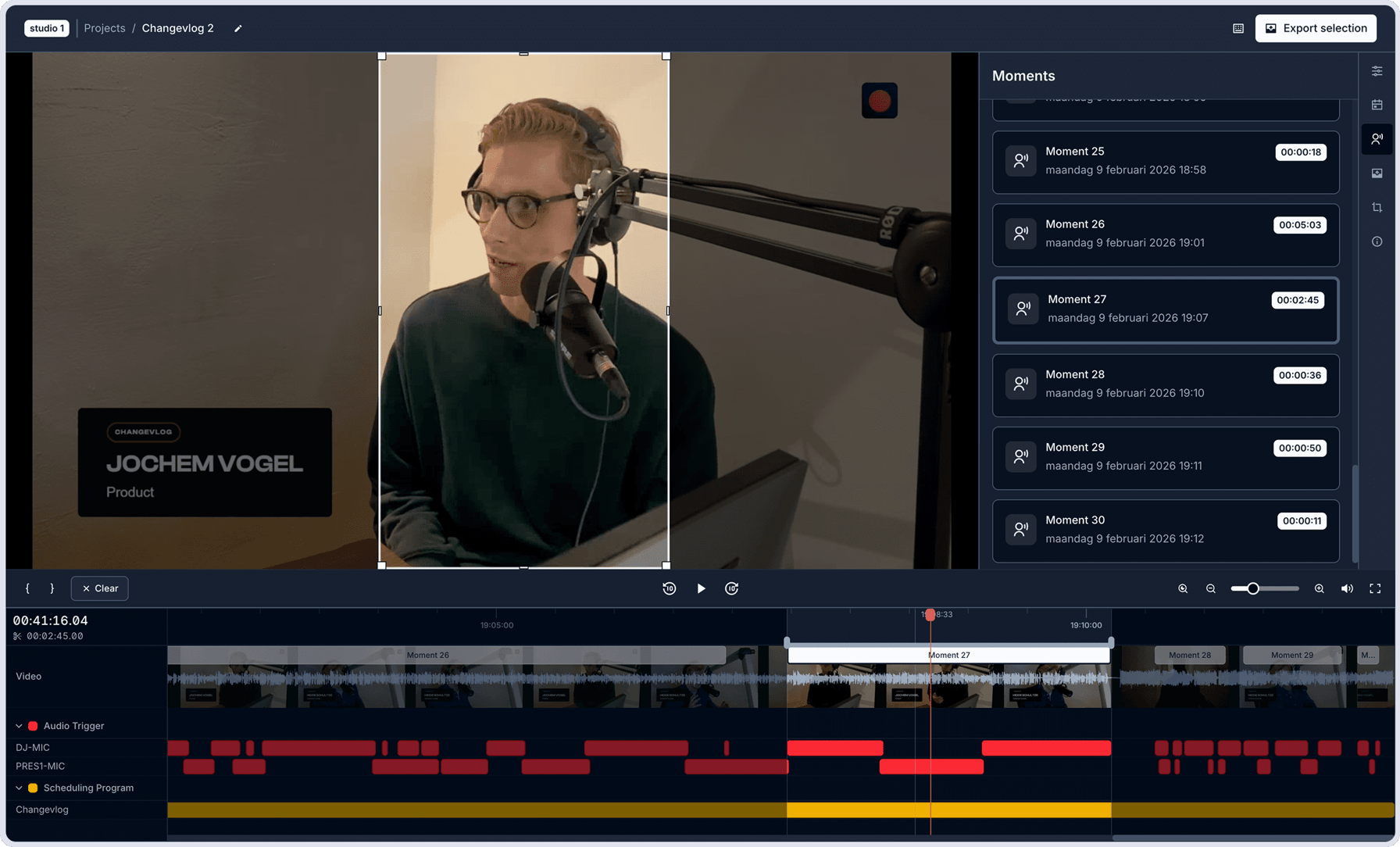
Visual Radio Assist now offers a dedicated video editing and export system designed for radio broadcasters. With Clips, you can turn recorded shows into shareable content quickly, without heavy file transfers or wasted time.
By connecting VRA Cloud to your local file system, you can browse and use local recordings from a NAS, external hard drive, or Hyperdeck (growing files) directly in the Cloud, without waiting for uploads or downloads.
Instant Access to Recordings
After a live show ends, recordings are automatically available in the Visual Radio Cloud platform.
- No cloud uploads
- No waiting for transfers
- No duplicate storage
You preview and navigate your local recordings directly in your browser, making content available for clipping right away.
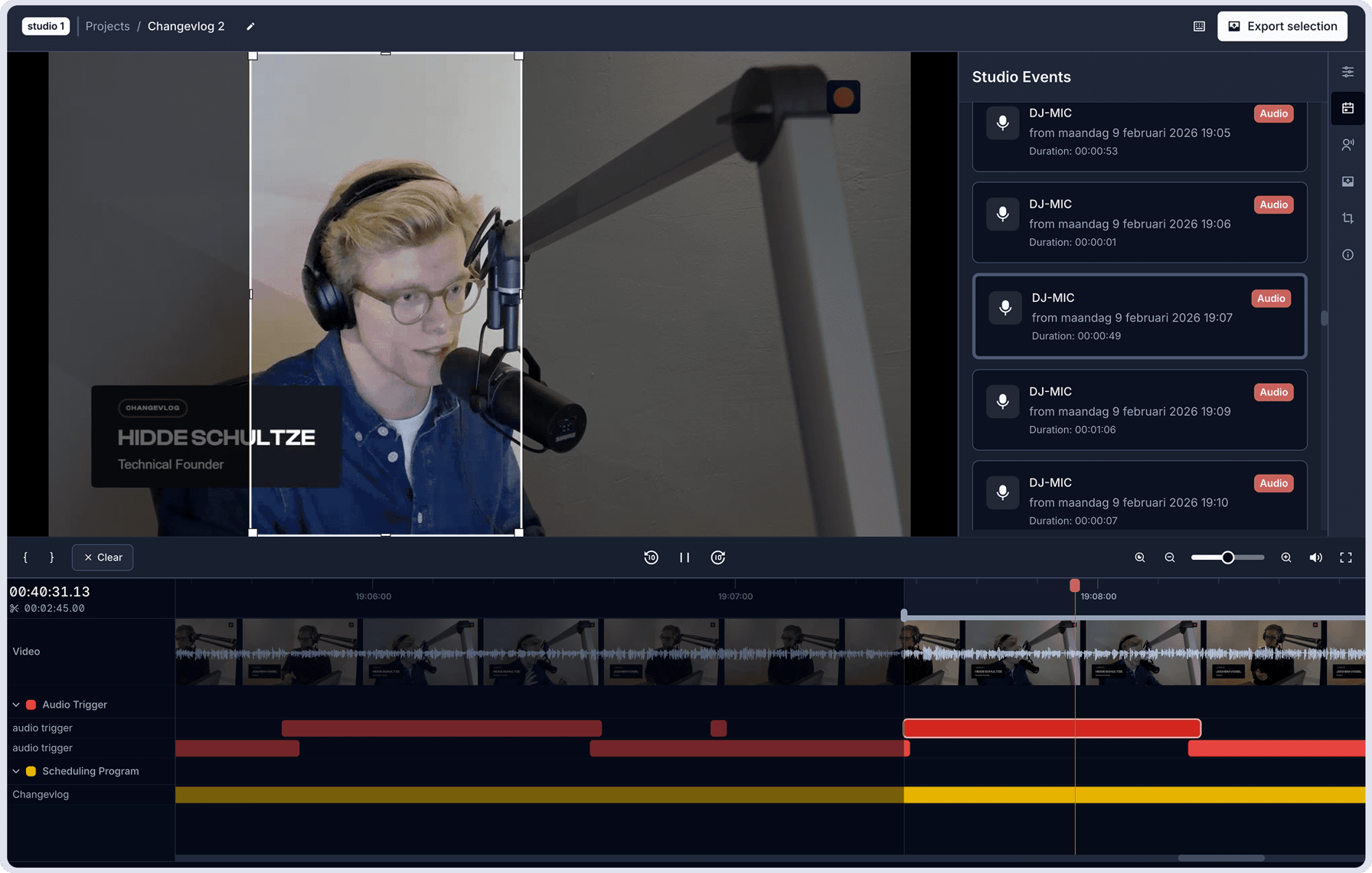
Smart Timeline with Audio Event Recognition
Visual Radio Assist already knows your studio configuration:
- Presenters
- Microphones
- Audio triggers
That data is shown directly in the Clips timeline. You can instantly see when presenters or guests are speaking and jump straight to relevant moments - without scrubbing through an entire show.
This makes finding social-ready highlights fast and predictable, even in long broadcasts.
Selective Export for Social Media
Once you’ve selected a moment:
- Choose the exact in and out points
- Export only that segment
Only then is an uncompressed video file downloaded locally. Instead of handling a 10GB recording, you export a short clip, often under 100MB, ready for TikTok, Instagram, or YouTube Shorts.
This approach completely transforms the post-production timeline:
- Before: Wait hours to download → Edit → Export → Upload to social media
- After: Browse immediately → Select instantly → Export only what you need → Share within minutes
What's Coming Next
The first version of Clips already makes post-production faster and easier. But additional tools are on the way:
- Automatic Subtitles. Soon, Clips will generate subtitles directly in your videos. This improves accessibility and boosts engagement on social media, where most content is watched without sound.
- Direct Social Media Publishing. We’re developing integrations with major social platforms, allowing broadcasters to post clips directly from the Visual Radio Cloud platform.
- External Storage Locations. Configure external storage locations such as your NAS or Google Drive, so exported clips are saved directly to your preferred storage without extra file handling.
Start Using Visual Radio Assist Clips
Visual Radio Assist Clips removes the biggest post-production obstacle and makes social publishing part of the regular broadcast workflow. Clips is available now inside Visual Radio Assist. We’re looking forward to seeing how stations put it to work.
More from the blog
All posts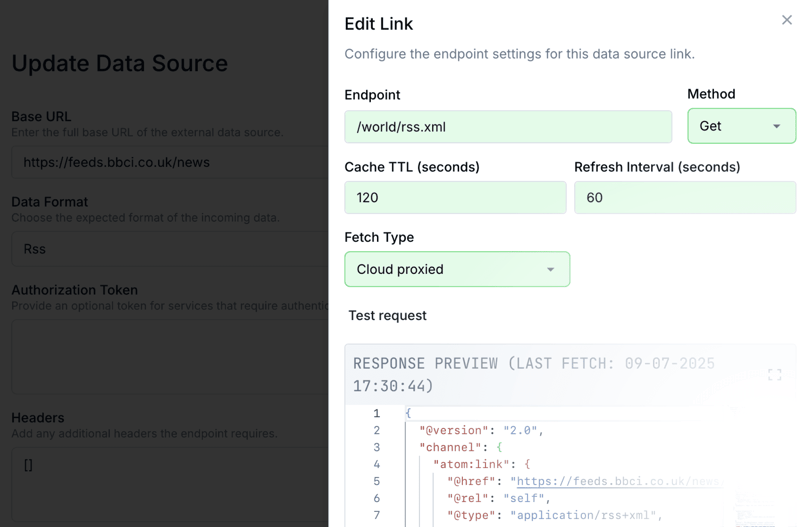
Company · 24 July 2025
Create and Design a Dynamic Visual Radio News Ticker
Learn how to display real-time news in your Visual Radio broadcast using external XML feeds. This guide shows how to connect data sources, create variables, and design dynamic visuals.
3 min read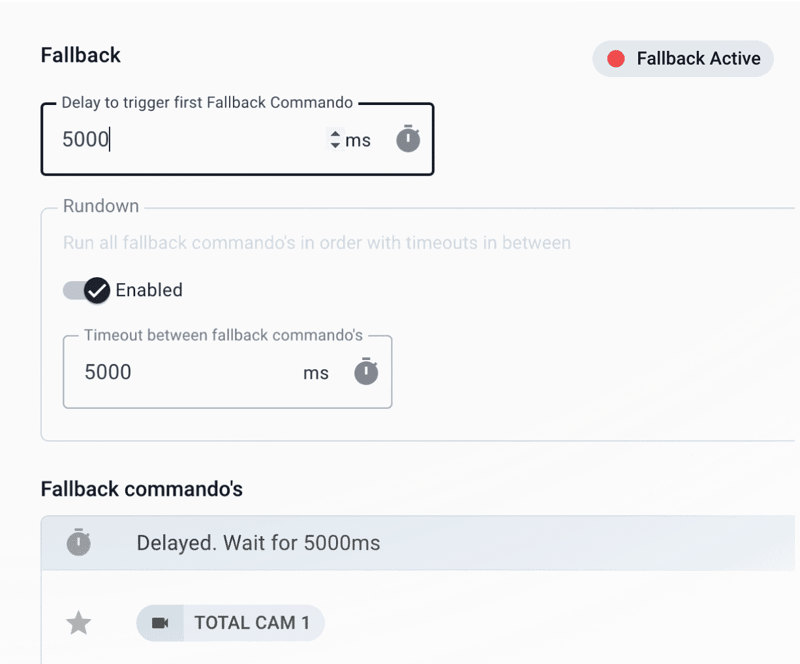
Product · 24 January 2024
More Audio Manager Control
Launching new features to help you trigger more complex fallback scenario's.
1 min read
Company · 22 October 2022
Why every radio professional should use Visual Radio in 2025
Visual Radio is on an upward trend. In this time of committing to Facebook, Instagram and TikTok, listeners expect more than sound. Listeners want to discover who is producing this sound.
4 min read