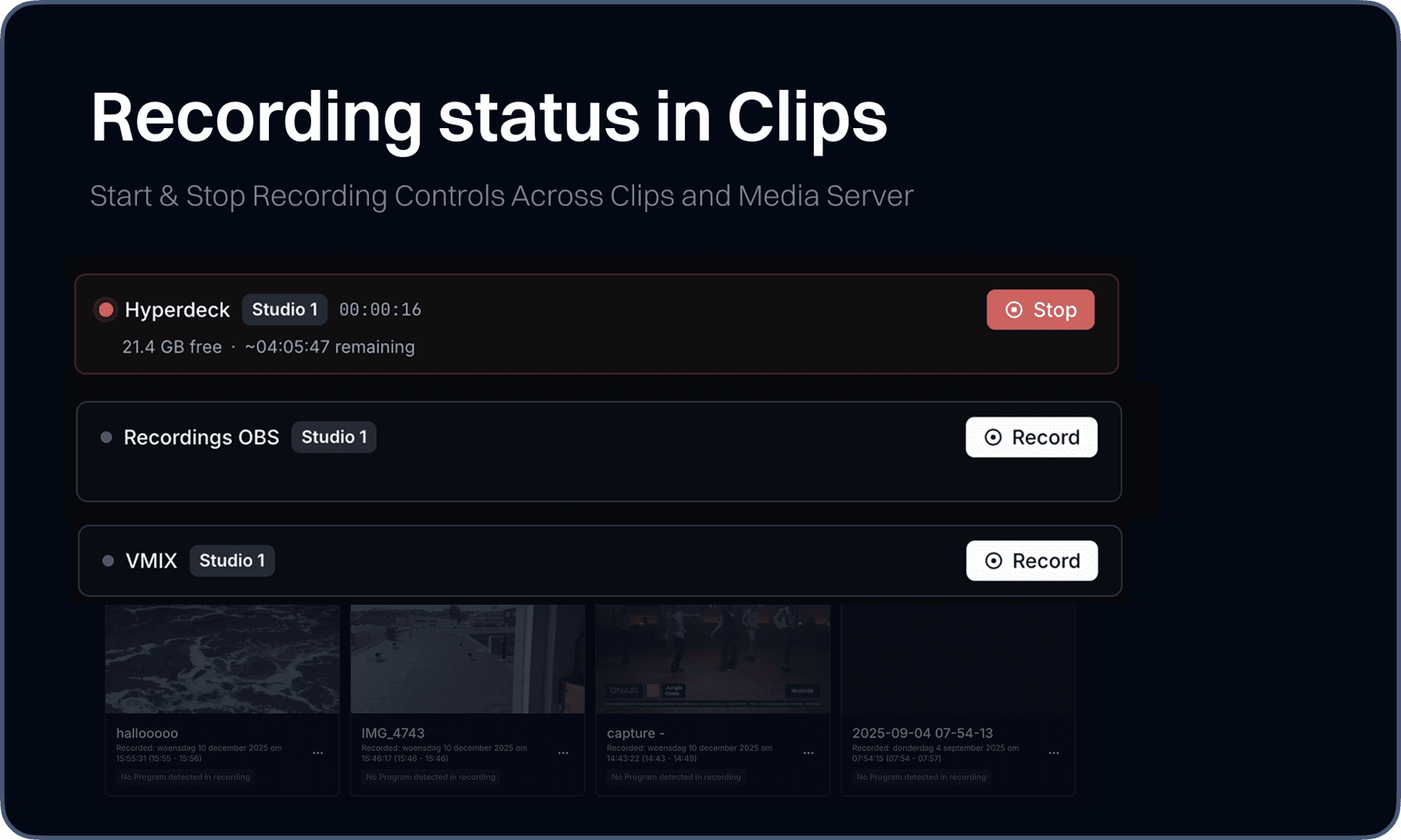
We brought recording controls directly into Visual Radio Assist. Previously, starting or stopping a studio recording meant leaving the platform entirely - you had to trigger it on the HyperDeck itself, through vMix, or whichever capture tool was running behind the scenes. Now you can manage recordings from inside the Media Server Settings and Clips interface, without ever switching to an external device or app.
This update brings recording management into the same workflow you're already using to run your broadcast. Instead of juggling hardware panels and third-party software to start or stop a recording, the controls live alongside the clips and media server interfaces.
New
- Media ServerAdded start and stop recording controls to the media server settings Make sure to upgrade your Media Server application to the latest version to activate this functionality.
- ClipsAdded start and stop recording logic to the recordings overview
- DashboardsNewly styled UI dashboard buttons
- Output PlayerAdded loading state on items in Output Player Settings Config
- SettingsOverview page with shortcuts to every individual setting page
Fixes
- StudioFixed archive recording not refetching the paginated list
- StudioFixed dialog width issue affecting Broadcaster on mobile devices
- ClipsFixed responsive layout of the latest project card
- DashboardCustom dashboard wouldn’t show up
- SchedulingFixed scheduling program not clearing when creating a new event
- Media HubFixed cancel action for raw file deletion
- DashboardsResolved styling issue in core display