
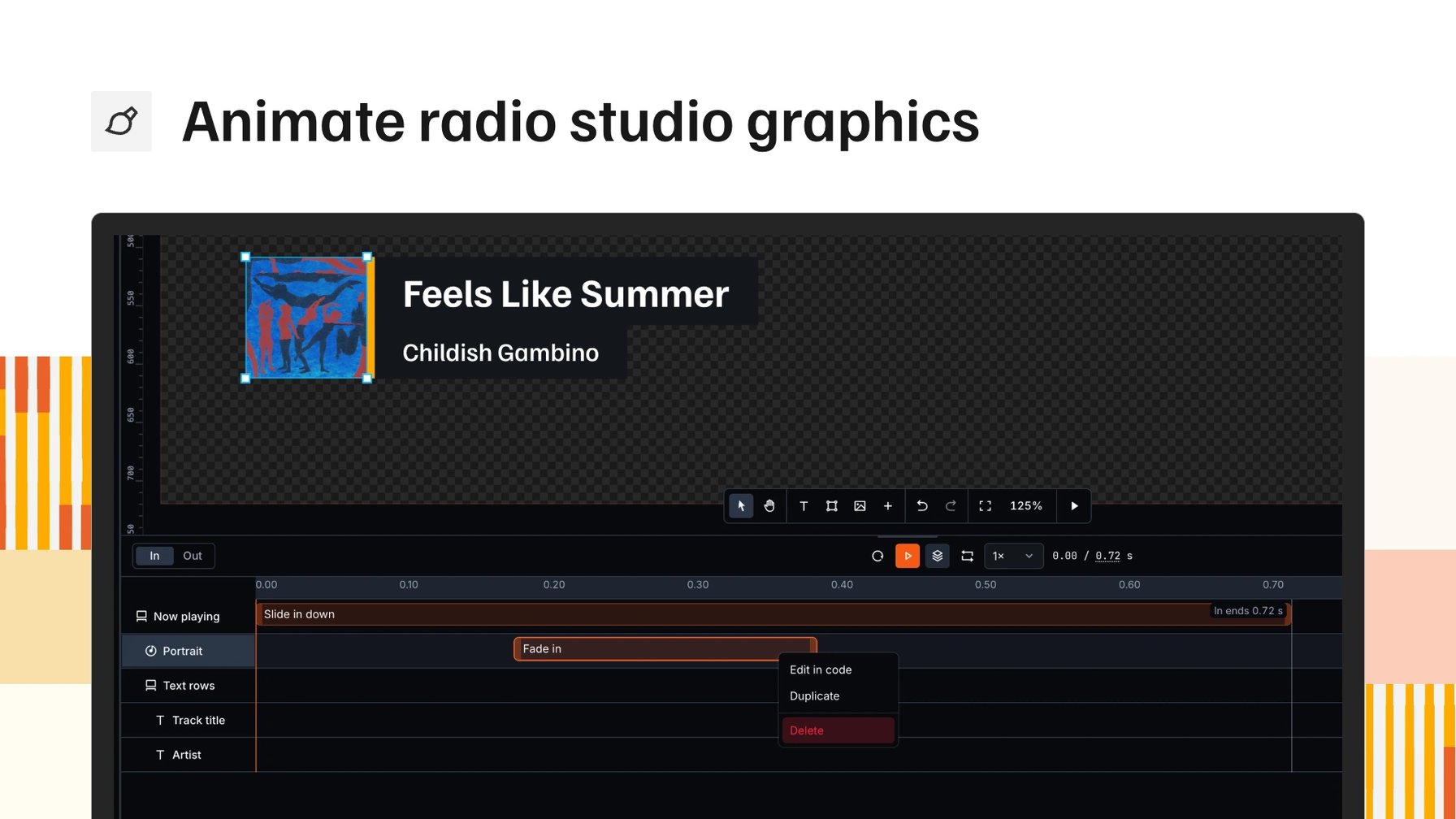
Animations in radio studio graphics live in code. You can write that code yourself or let an AI tool write it, but either way you can't see it. Which layer comes in first, how long it takes, when the title follows: you find out by playing the graphic and reading the code back.
The Visual Designer now has an animation editor. Every animation is a bar on a timeline, so you see the timing of a whole graphic at a glance and change it by dragging. The code is still there underneath.
Pick how each layer comes in, and see it first
Until now, every animation was a line of code. You had to read it to know what it did.
Now each layer gets two animations: one for coming in, one for going out. You pick them from presets, like a fade or a slide from the left. Each preset plays a short preview, so you see the movement before you choose it.
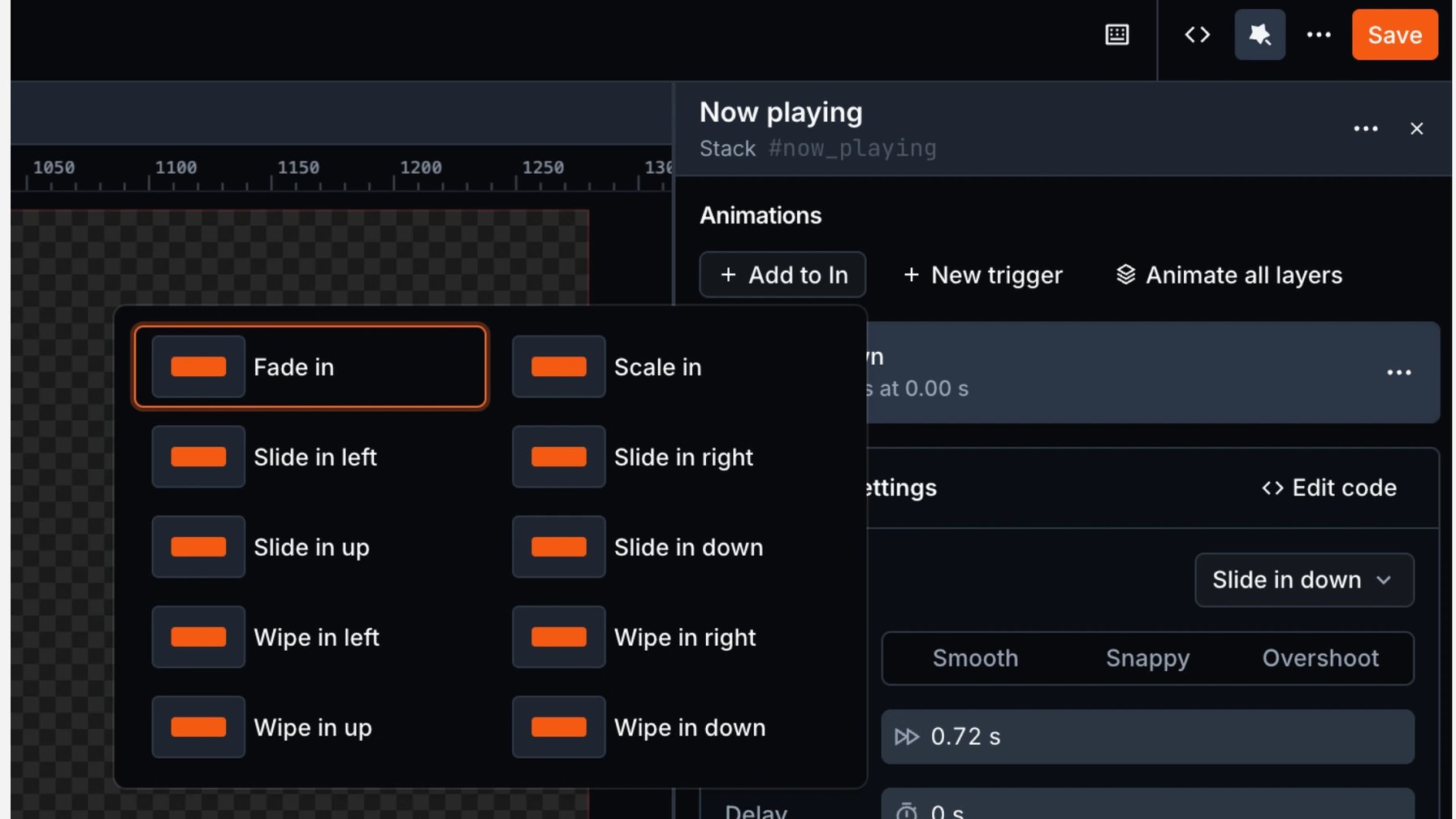
The preset picker on a now playing bar, with fade, scale, slide and wipe previews.
Timing on a timeline
Every animation is a bar on a timeline, grouped by layer. Drag a bar later and that layer starts later. An animation moves to another layer when you drop it there, and copies when you hold Ctrl. Playback runs the whole graphic in from the start, so you check the result right away.
Want the song title to come in later? Drag its bar and play the graphic again. You see the change before it goes on air.
The code is still yours
Behind the timeline, each animation is GSAP code, a widely used animation library for the web. You can still edit that code directly, by hand or with an AI tool. Whatever the timeline can read shows up as bars, so you see the timing of that code too. Anything else stays in the code, so both ways of working fit in one graphic.
Graphics you already have keep playing
Graphics made with the old transition settings play on air exactly as they did. In the designer, such a graphic shows its existing animations and a Convert animations button. Converting puts them on the timeline, and from there you edit them like any other animation.
Start in your brand
Matching a graphic to your station used to mean copying colour codes and font files into each one. Your branding now lives in one place, your station settings. You enter colours, fonts and logos yourself, or paste your website address and VRA reads them from the site. What it finds is only as current as your website. You upload your own fonts in every weight at once.
In the designer, your brand colours sit in every colour picker, and choosing one links the layer to it. Text styles work the same way. A style saves the look of a headline under a name you choose, and every graphic that uses it matches. A brand refresh is one change in settings, and every linked layer follows.
Bring your design, or let VRA make a first version
A design made in Photoshop used to be rebuilt by hand as an on-air graphic. Now you import the file itself. Its layers become editable layers in the same positions and with the same fonts. A preview lists them before the import runs, and anything VRA cannot turn into an editable layer comes in as an image.
Without a design, you pick a type of graphic and a style. VRA builds a first version in your colours and fonts, as layers you can edit. It also works from an image of a graphic you like. Each generated graphic costs one AI credit.
For your technical team
What you design is what goes on air. There's no export step: the graphic you build in the Visual Designer is the graphic the Render Engine plays.
Bring what you already have. A Photoshop file opens with its layers intact. An animation made in After Effects comes in as a Bodymovin (also known as Lottie) file and keeps its own in and out points.
And if you want to go further, every animation is plain GSAP code underneath, custom easing included. Visual Designer docs have the details.
Radio studio graphics you can see move
Animation used to be something you read back in code. Now it's a timeline: every layer, when it comes in, how long it takes. Drag to change it, play it from the start, and the graphic already starts in your colours and fonts. All of it is available to every VRA customer.
Book a demo and we'll show you the timeline on a graphic in your branding.
More from the blog
All posts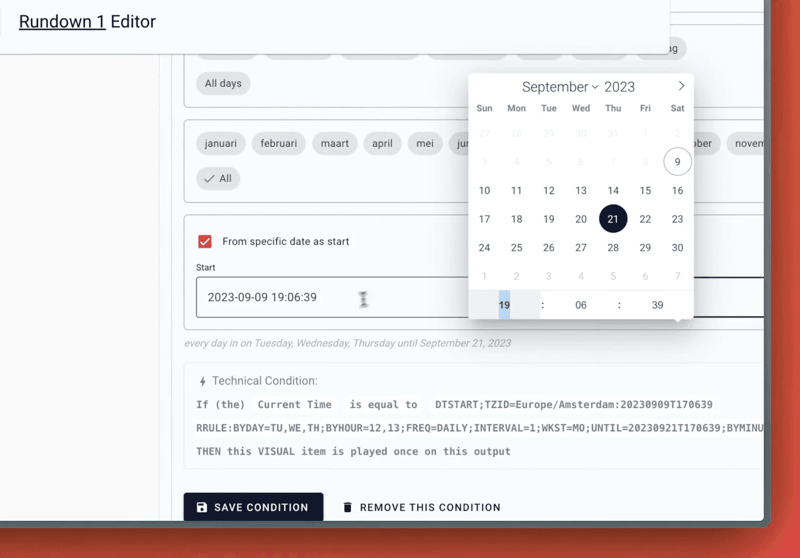
Product · 9 September 2023
Time Conditions with date scope
Read about the latest updates to the Server Core of Visual Radio Assist, including enhancements to time conditions for automations and a new generic AutomationLink for connecting radio automation data to the platform.
1 min read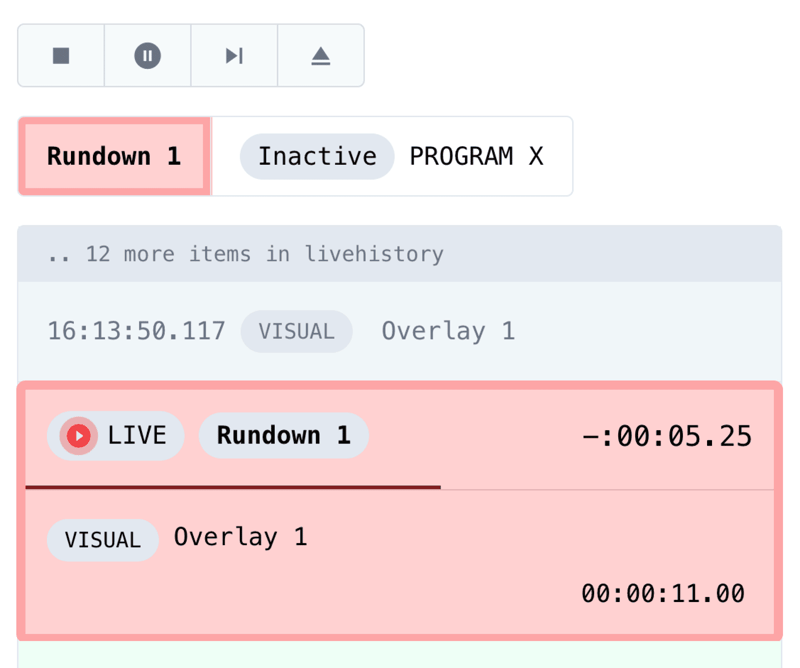
Product · 24 January 2024
Accurate Output Control
Completely reengineered from the ground up; control your Outputs with millisecond accuracy.
1 min read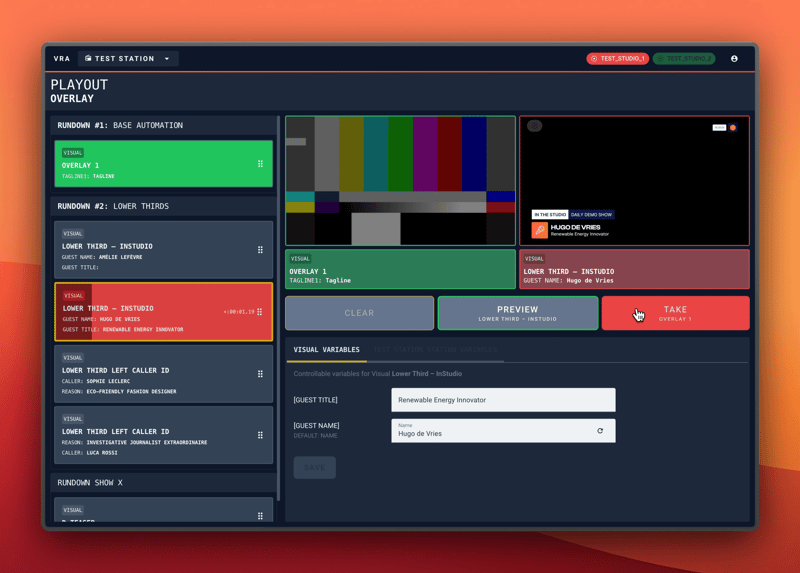
Product · 9 February 2024
Visual Radio Live Graphics Playout
Launching the first ever Visual Radio Playout, build to live control your graphics onair!
4 min read