
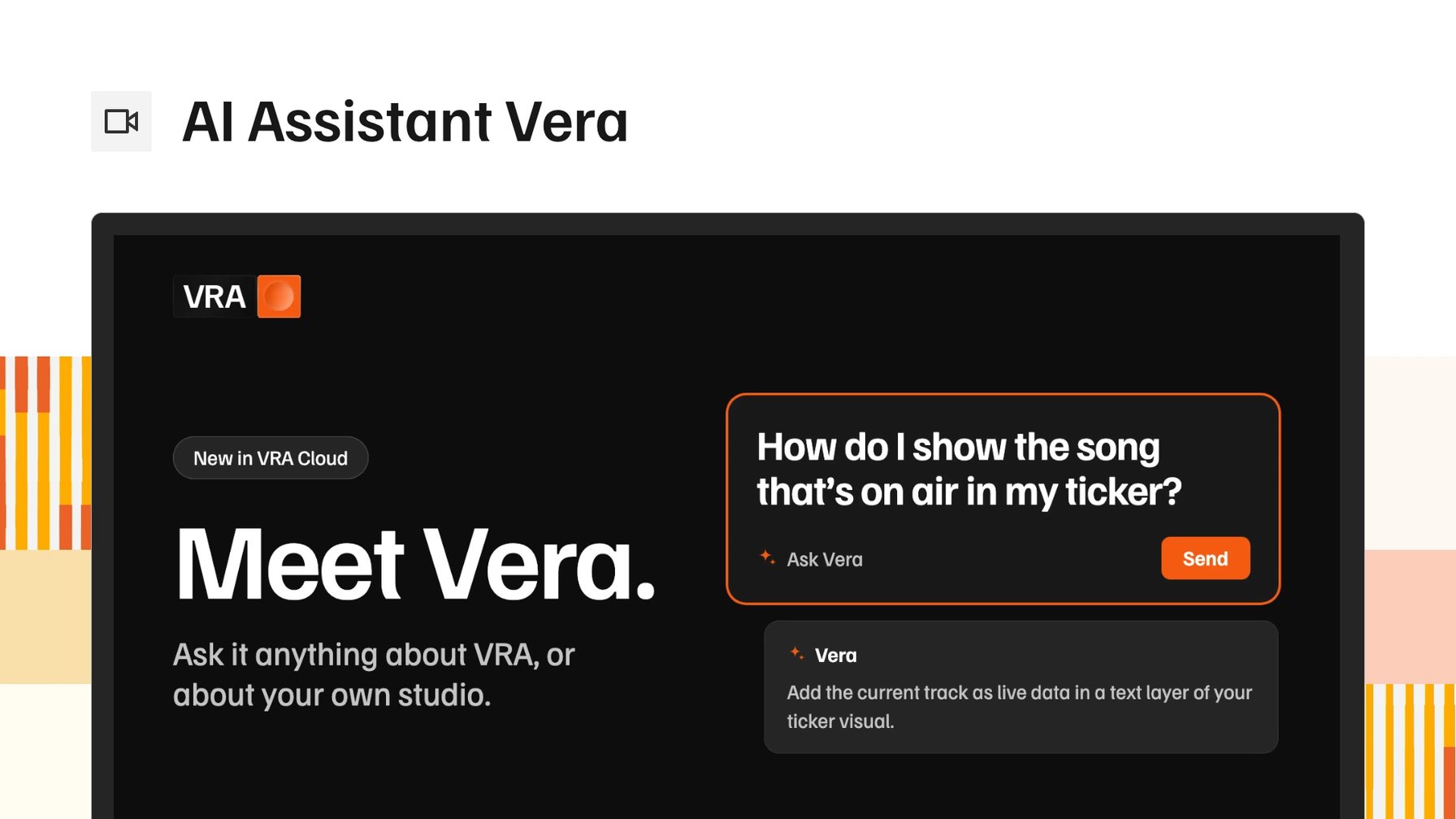
Most questions about your studio come up while you are busy with something else: a ticker that should show the song, a schedule that has to change for one week. The answer sits somewhere in the docs. Or it sits in an email to support, and the reply arrives after the moment has passed.
Vera is the AI assistant in VRA Cloud. It answers questions about your radio studio where you already work. You open Ask AI in the sidebar and ask in your own words. It is on for every station, and it is out of beta.
Vera reads our documentation and the information your own account can see in VRA, so a question about your studio gets an answer about your studio instead of the general case.
Answers that start from your setup
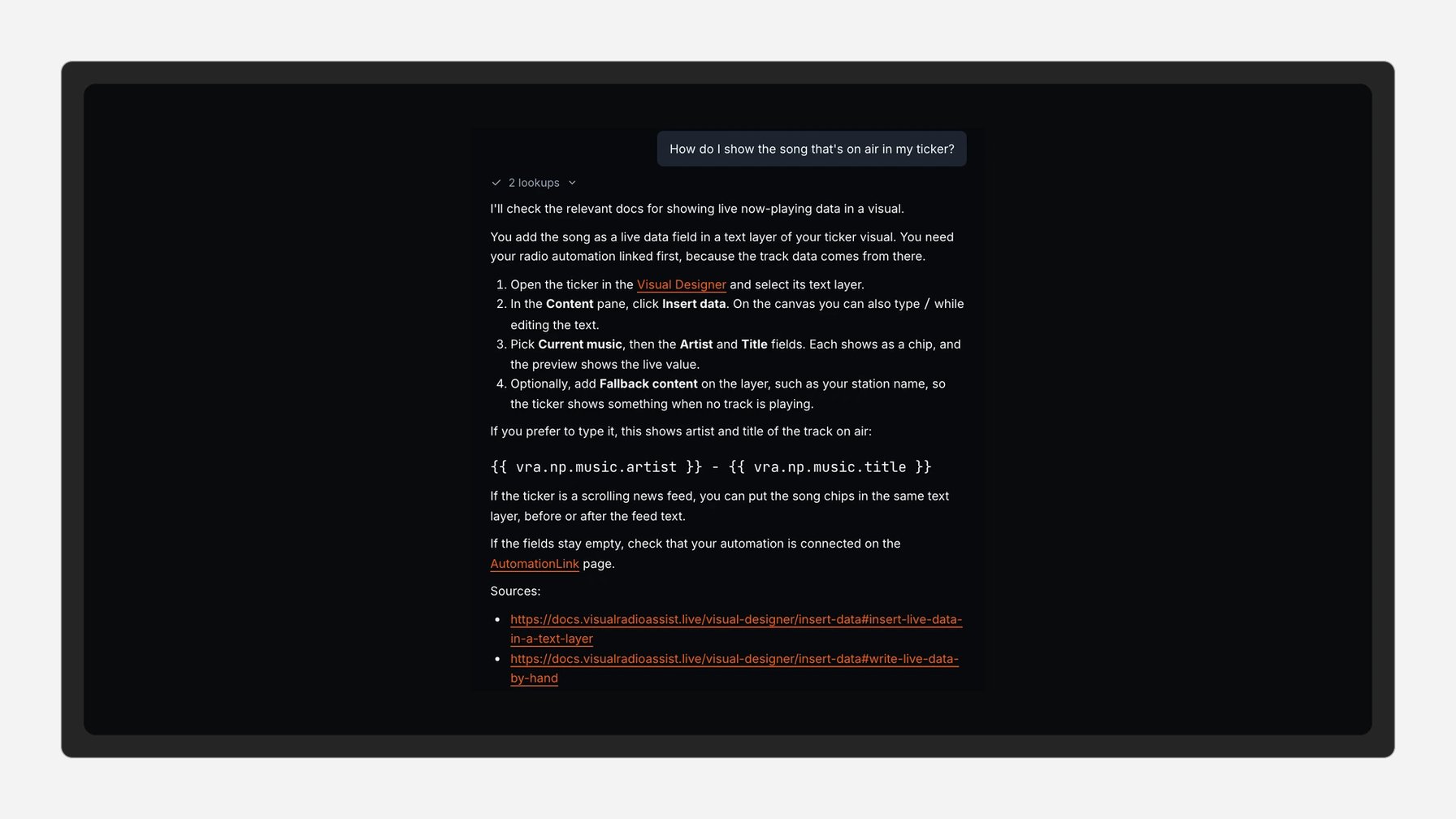
If you ask "How do I show the song that's on air in my ticker?", Vera tells you to add the current track as live data in a text layer of your ticker visual. Nobody has to type song titles into the graphic again.
"How do I plan a different schedule for Christmas week?" gets the steps for an override in Scheduling, with a link to the page where you set it up.
Some questions depend on the state of your studio. When you ask "Why is my studio offline?", Vera checks your studio's health first.
Answers link to the docs page behind them and to the right page in VRA, so you can check the source and go straight to the setting.
Safe for the whole station
Vera can look at your setup, but it cannot change it. Nothing on air moves because someone asked a question. We built it that way on purpose, so everyone at the station can use it.
Its answers can be wrong. Before a change that affects a broadcast, it is worth checking the docs and your settings.
No need to explain it twice
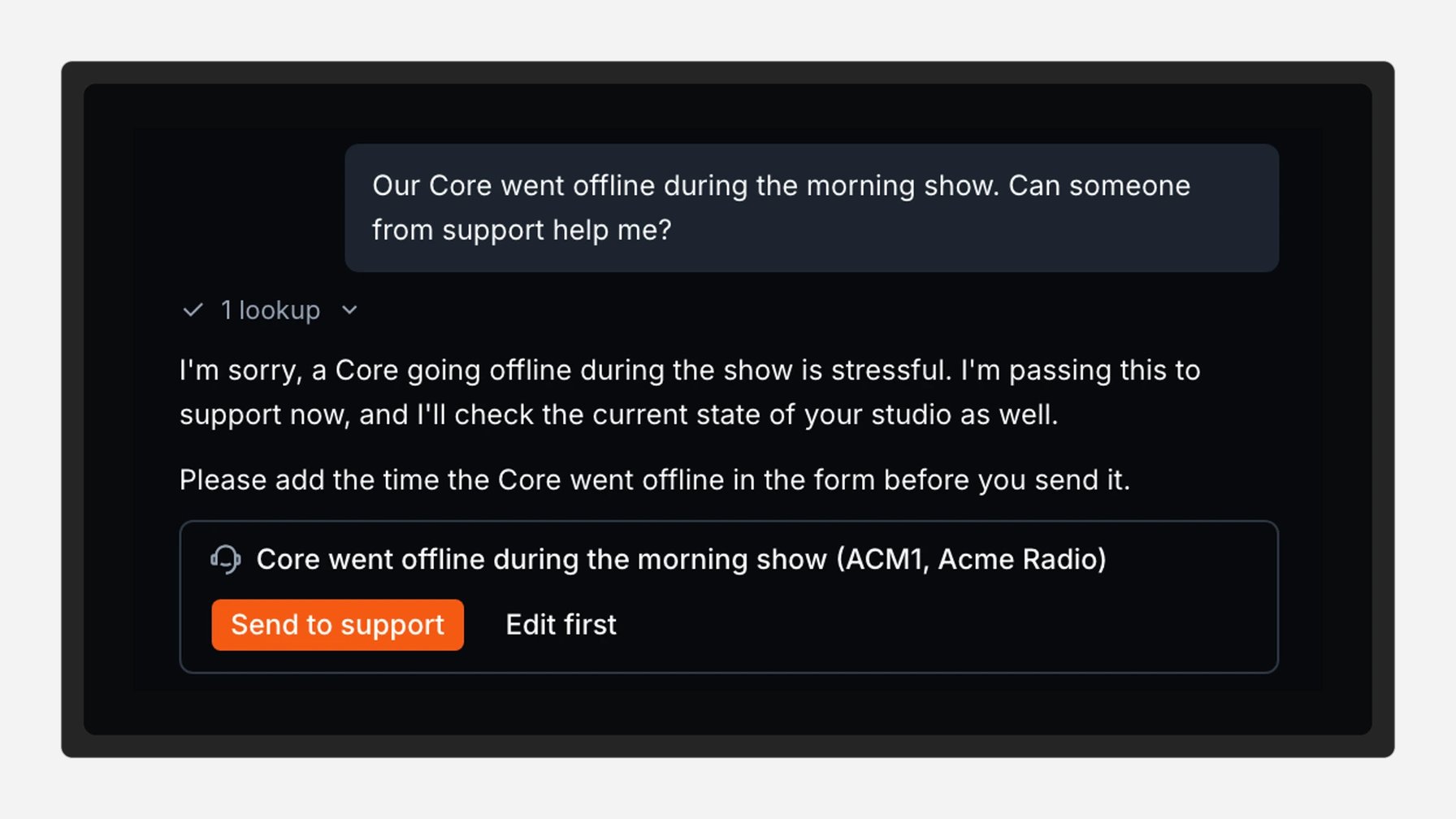
Some problems need a person. Vera can prepare a support request for you. Contact support then fills in the form and attaches the conversation. Our support team reads what you already tried, so the first reply can start where Vera left off.
There is a daily question limit. When you reach it, the docs and Contact support stay available.
Next: from answers to actions
Today Vera tells you how. Next, we want it to do the work, like making a lower third for a guest or showing the album cover during every song.
Ask Vera in VRA Cloud
Open Ask AI in the sidebar and ask the question you would otherwise mail support with. It is on for every station in VRA Cloud. The Vera guide covers the details. Not using VRA yet? Book a demo.
More from the blog
All posts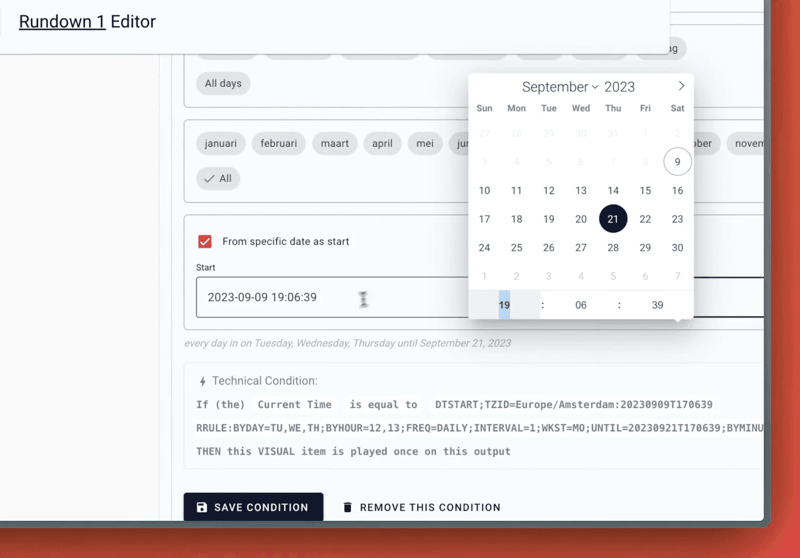
Product · 9 September 2023
Time Conditions with date scope
Read about the latest updates to the Server Core of Visual Radio Assist, including enhancements to time conditions for automations and a new generic AutomationLink for connecting radio automation data to the platform.
1 min read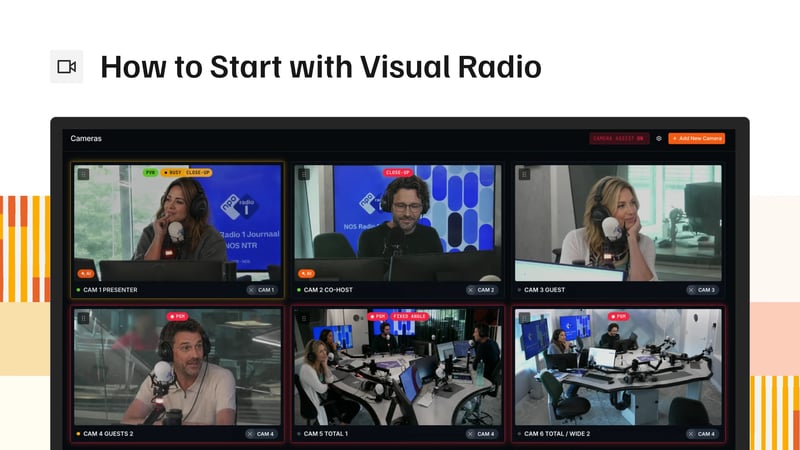
Guides · 8 October 2026
How to Start with Visual Radio: Cameras, Switcher, Workflow
Start visual radio in the order the signal runs: PTZ cameras, a channel per mic, a switcher, a render PC, graphics and who does the switching.
5 min read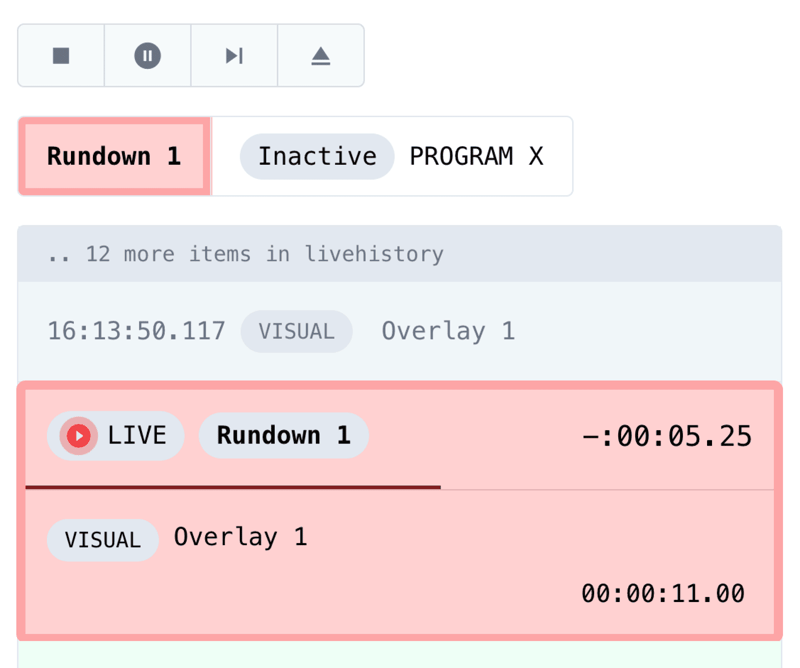
Product · 24 January 2024
Accurate Output Control
Completely reengineered from the ground up; control your Outputs with millisecond accuracy.
1 min read