
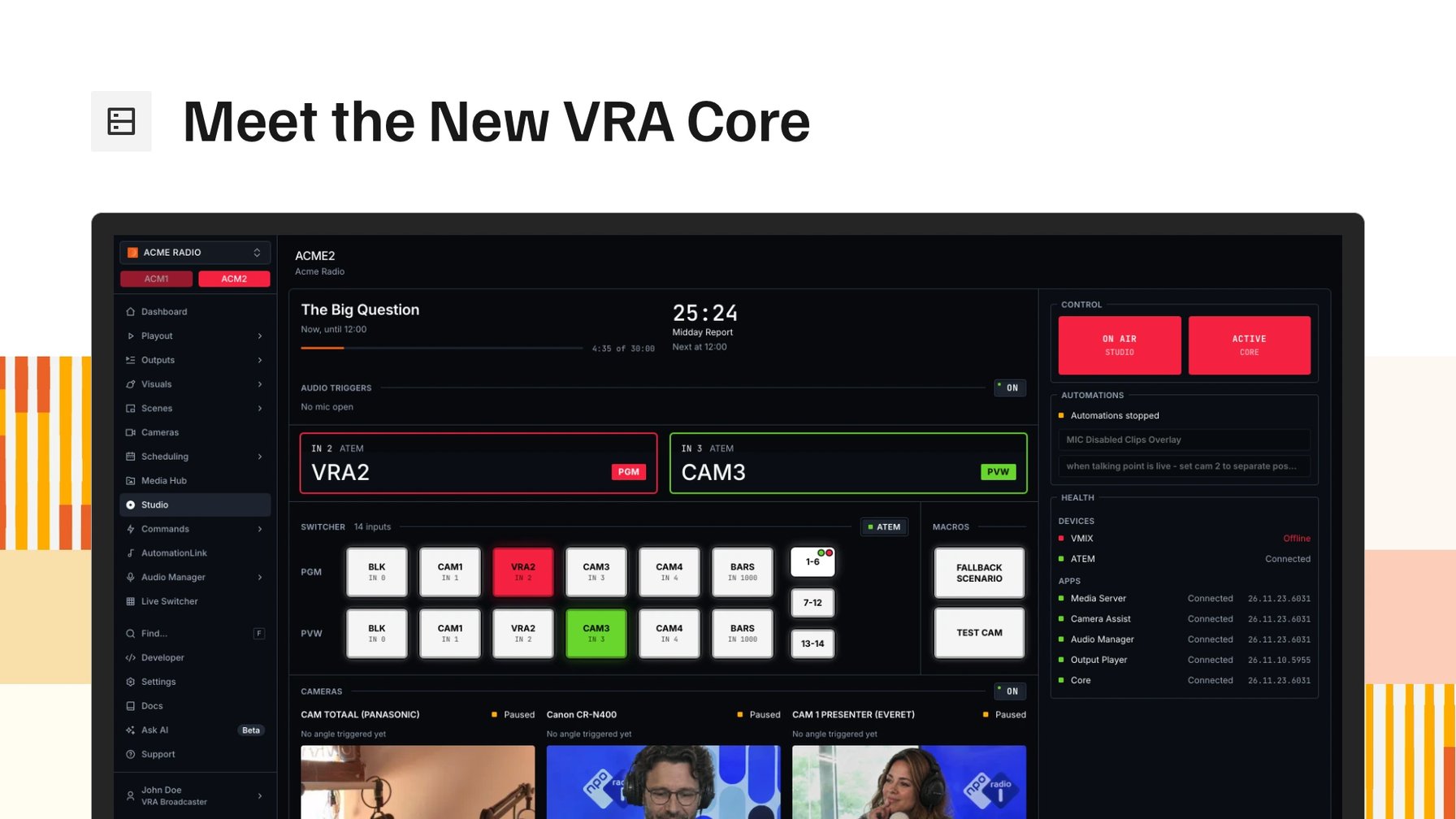
The studio computer runs the apps that connect your switcher, cameras and radio automation to VRA. Nobody looks at it until something stops.
Looking after that computer has always been a chain of small jobs: install every app, connect each one to the studio, keep them updated, restart the one that stopped, and restart again when the studio hands over to another station. With version 4.8.0, the Core is rebuilt from the ground up and arrives with the Machine Agent. The studio computer now looks after itself.
The decision behind it is that one app is responsible for all the others. When a server app stops, the Machine Agent starts it again, so a stopped app is a restart and not a phone call to whoever knows the studio computer.
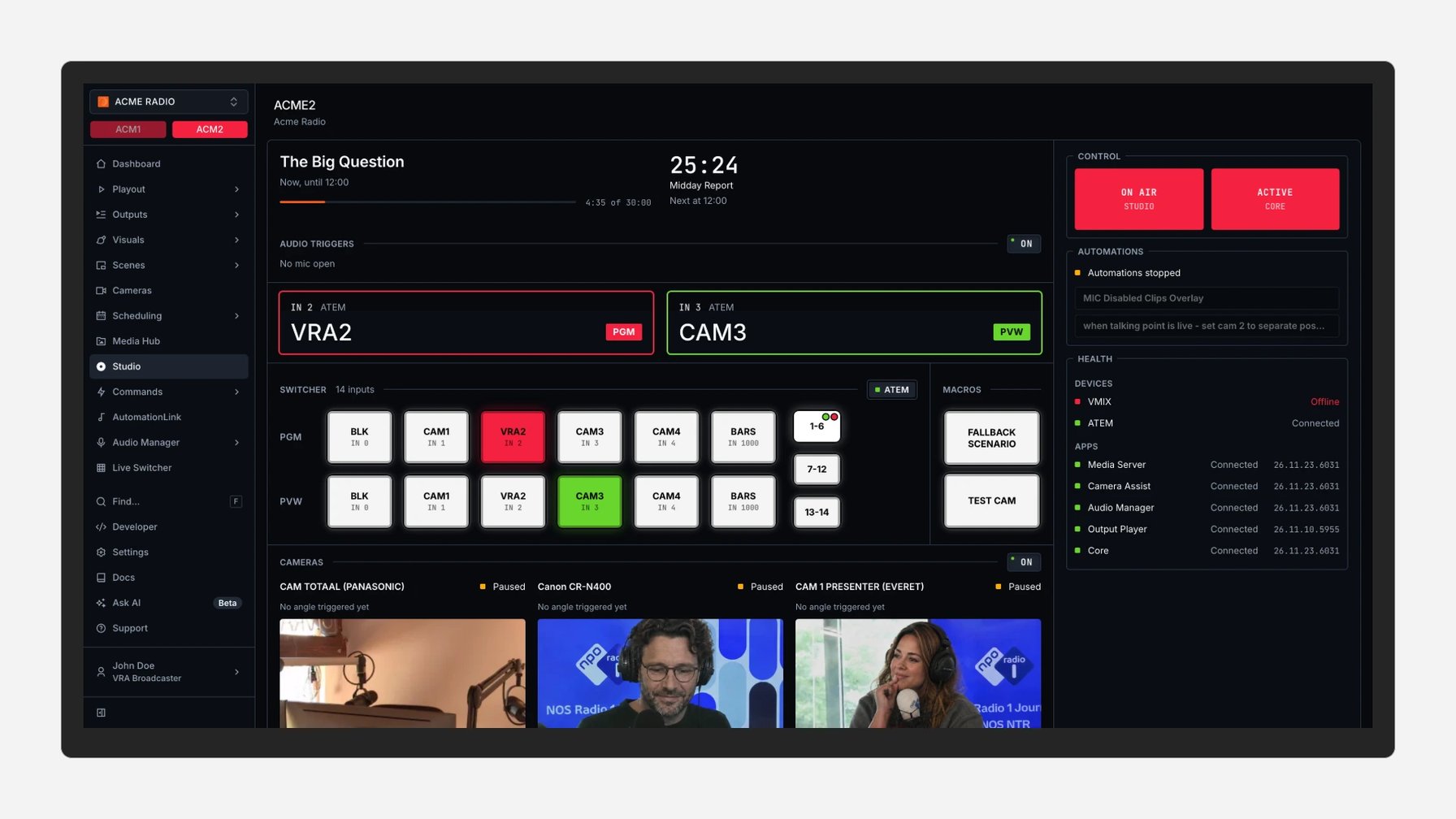
One install, and it installs the rest
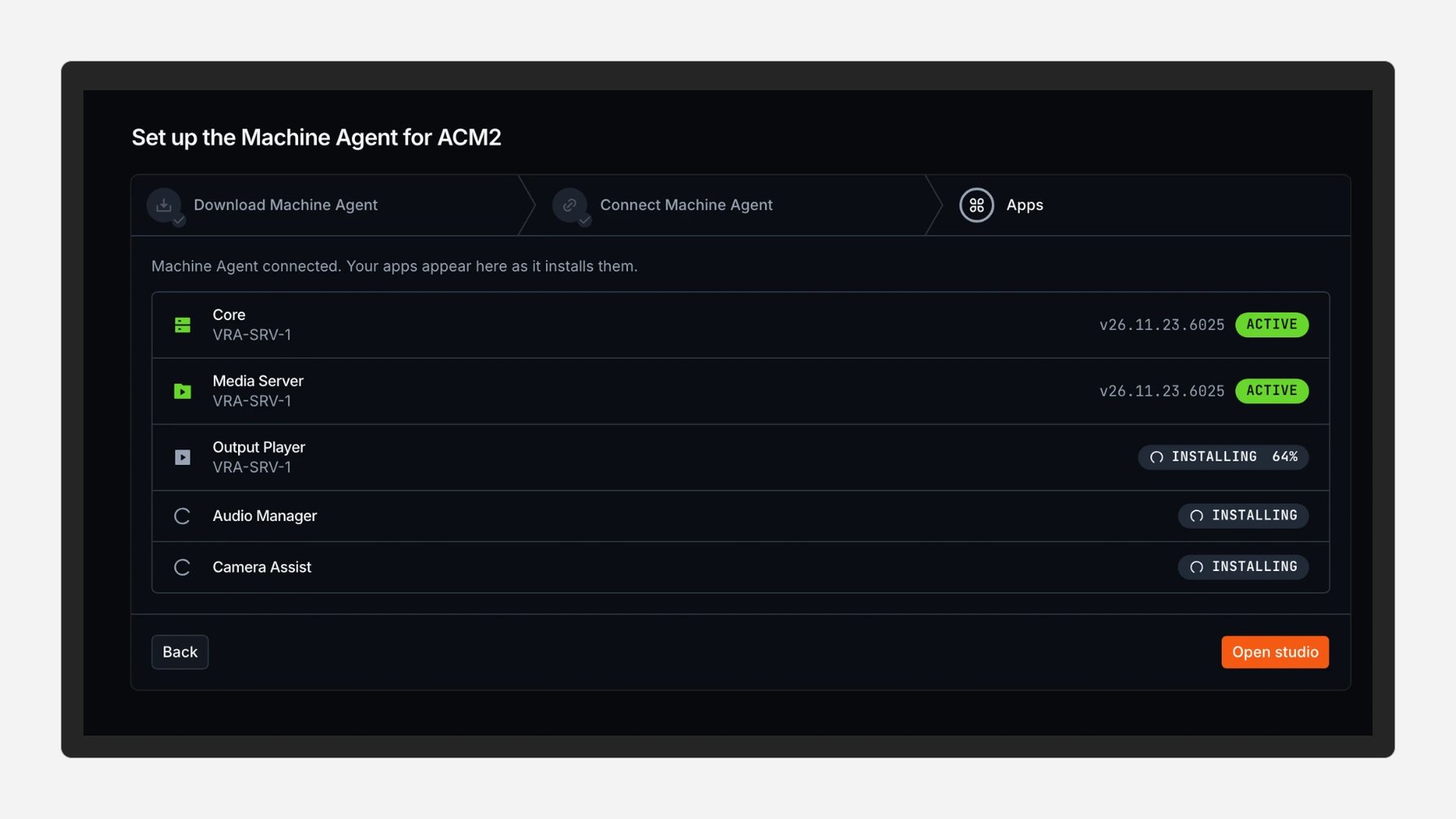
Every server app used to be its own download, its own install and its own connect step. Now you install the Machine Agent. It installs the Core and the apps the studio needs, starts them and keeps them running. The download from VRA Cloud already knows which studio it belongs to, so a new studio computer needs that one install and nothing else.
Your studio moves over without anyone at the computer
A new foundation usually means a migration day, with someone from the station sitting at the studio computer. This time the previous Core does that work. On a Windows computer with automatic updates on, it updates itself in the night after the release and hands over to the new Core. The studio, its settings and its connection to VRA Cloud are kept, so nobody types a connect code. We have run the new Core in beta since June.
The Core restarts once, for about 30 seconds, and Output Players keep running.
If the new Core does not start properly within five minutes, the previous Core comes back by itself, because a studio that is off air is worse than a studio on last week's version. The previous Core tries the move again a day later.
Change station without restarting the studio
A studio that serves more than one station used to restart its Core at every handover. The new Core changes station while it runs. Everything that belongs to the station, from outputs to scheduling, follows the new station. The connections to the gear in the studio stay up, so the switcher, the console and the cameras never drop. The handover between two stations in one studio is no longer a gap. VRA Cloud and the Core app on the studio computer show the handover's progress per app.
Your own buttons, each with its own key
A control surface is one more device on the studio network that can change what goes on air. The new Core gives every device its own key, which can only read or can also control. A device can be tied to one station, so a button built for one station cannot fire on another. Nothing fires while a station change is running.
The usual example is a Stream Deck with Bitfocus Companion, which has a module for the new Core. You decide per device what it may do. The presenter's Stream Deck can start a macro without being able to touch the outputs.
Signals: switch automation off from outside VRA
Automated camera switching was on or off inside VRA, and the rest of the building could not tell which. Signals put that switch where your own systems can reach it. A signal is a named value that VRA and your systems both read and write. Every studio comes with two: one for audio auto switching and one for camera automation. Your own system, or one key on that Stream Deck, can take automation out for an item and give it back. Each signal records what set it last, so nobody has to guess why the cameras stopped cutting.
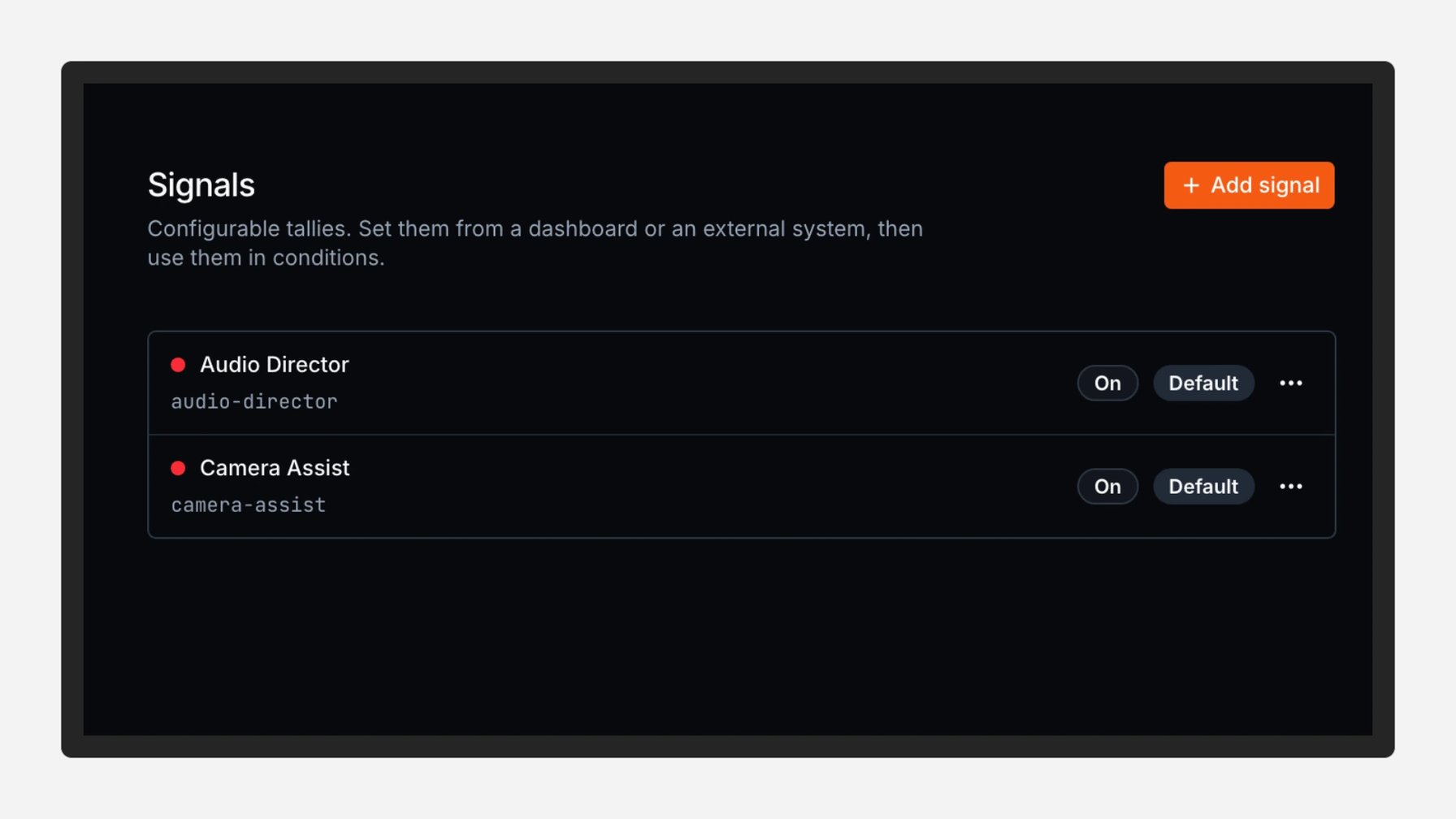
You can add signals of your own. Your systems can set them for VRA, or VRA sets them for your systems to read. VRA can also check a signal in a condition before it acts.
Also in this release
- The Core app on the studio computer has a new design, in three layouts. It shows more of what the studio is doing. Every button in it shows whether its action arrived.
- Several studios can run on one computer, each with its own Core.
- Every download is signature checked.
For your technical team
- Setting up and moving studio computers: Install the Machine Agent. Every change per topic: What changed in the new Core.
- Tokens, routes and the Companion module are in the Core API docs. Integrations built on the previous Core's local API keep working through the legacy routes.
- Signals are set up in VRA Cloud, under Settings, Studio, Signals: Signals.
- PTZ camera control is now Camera Assist. Cyanview RCP is not carried over.
- The previous Core is supported until 21 December 2026.
What's next
Next up is the new Audio Manager, which decides from your mics who gets the camera.
From today the studio computer installs its own apps, restarts what stops and changes station without anyone walking over to it. Studios on Windows with automatic updates on move over by themselves. The others move when someone updates the Core to 4.8.0 in VRA Cloud. To see it on a studio like yours, book a demo.
More from the blog
All posts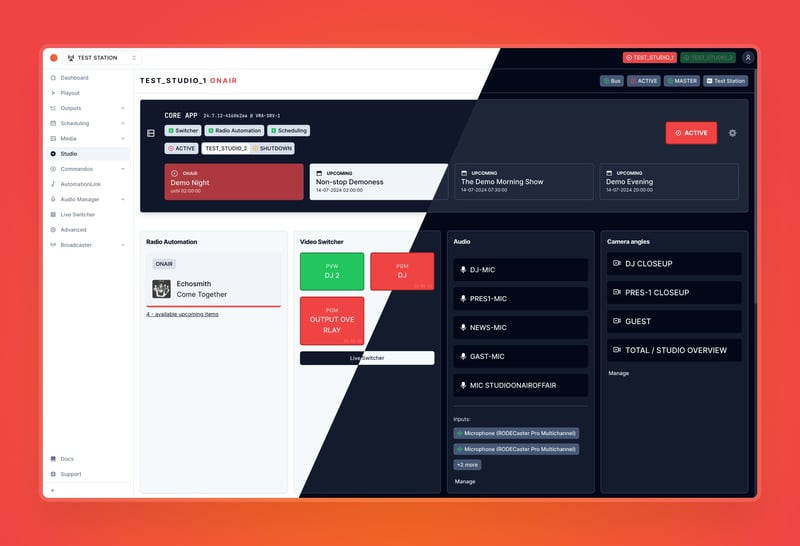
Product · 14 July 2024
Fresh new look: revamping Visual Radio Cloud
Discover the latest updates to the VRA Cloud interface, including a modernised look, improved accessibility, and customisable dark and light modes.
3 min read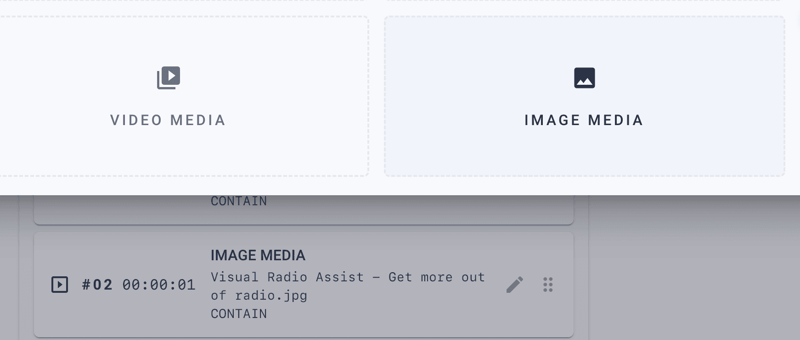
Product · 25 May 2023
New Playables: Local Directory and Image Media
The latest version of Visual Radio Assist includes two new awaited playable features; Local Directory and Image Media.
1 min read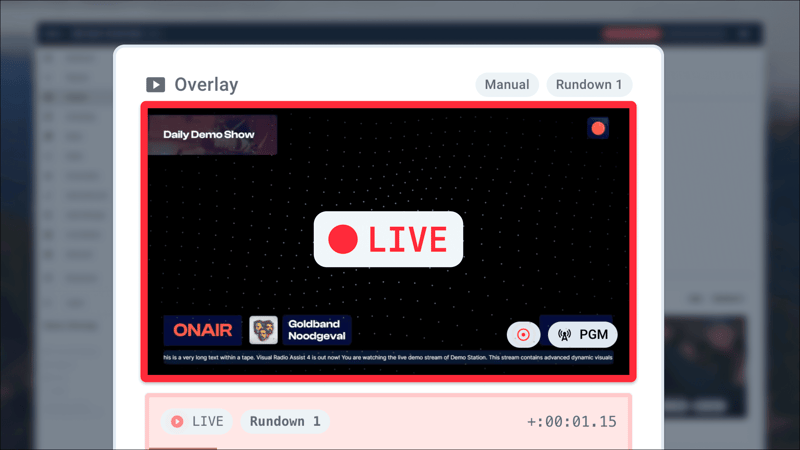
Company · 7 February 2024
Low-Latency Cloud Playout
Why low-latency live playout from the web is the future of broadcast
2 min read