
Every automated studio says it cuts to whoever is speaking. The hard part is how loud a mic has to be before it counts as speaking. Until now someone at the station guessed that number for every mic and typed it in. Then they watched a show and guessed again when the camera went to the wrong person.
Today we're announcing the new Audio Manager in Visual Radio Assist. It still drives mic-triggered camera switching: when a mic's level crosses its threshold, VRA tells the ATEM, vMix or OBS you already run to cut to that presenter's camera. Nobody has to sit at the switcher for the show to cut, and anyone can still take over by hand. You now see what each mic is doing and measure its threshold instead of guessing it. When two people talk at once, you decide who wins the camera.
The new Audio Manager also listens for a voice instead of only a level, so a song or a cough takes the camera less often. Nothing listens to words and nothing learns, so when the camera moves you can look at the meters and see which mic opened. Studios already on audio triggers move over in three steps.
Mic-triggered camera switching ran on a guess
A typed-in threshold goes wrong in two directions. Too low, and a co-host leaking into the next mic cuts the camera to someone who is only listening. Too high, and a quiet presenter never gets the shot.
The only feedback was the program output. After a wrong cut you changed the number and waited for the next show to see if it helped. Nothing told you afterwards which mic had held the floor.
A cough is not a reason to cut
Loudness cannot tell a presenter from the song on the monitors. The previous Audio Manager averaged the level across the whole band, so anything loud enough counted. The new one filters each mic to the voice band and scores it on the rhythm and pitch of speech. A short burst, like a cough or a knock on the desk, is held back. So music, hum and coughs take the shot less often.
It is on by default for speech triggers and off for music triggers, which should fire on music. It is fixed signal processing, not speech recognition: it hears that someone is talking, not what they say.
See every mic
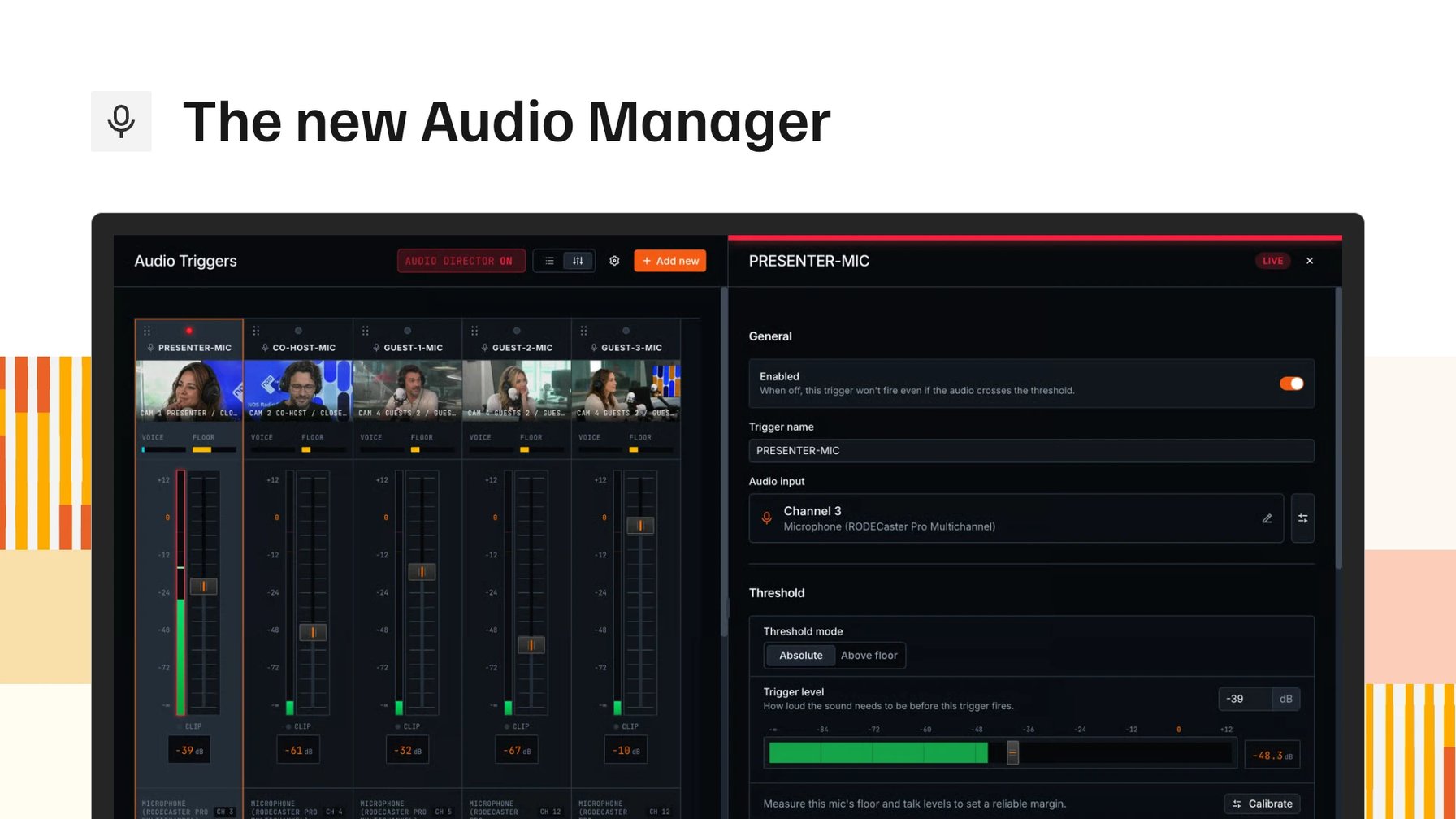
In the new Audio Manager every mic in the studio gets its own channel strip, side by side. A strip shows the live level, the measured noise floor, a voice indicator and a clip light. The threshold is a fader on that same meter, so you set it against the level it has to beat, and a change applies straight away. The Audio Manager decides on the studio PC, and you watch the strips in the browser from anywhere.
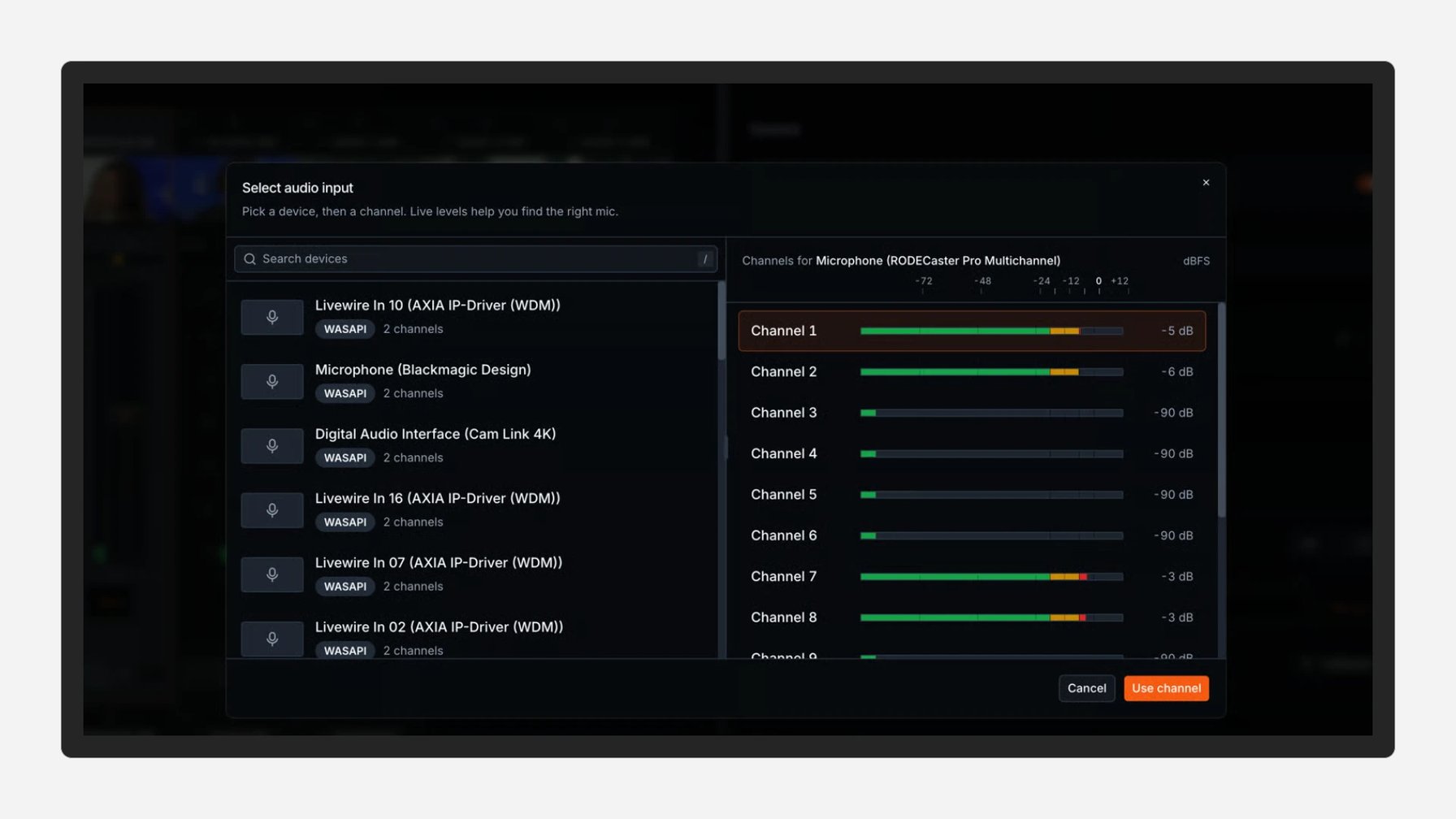
Setting up a new studio is quicker too. VRA recognizes common audio drivers, such as Dante Virtual Soundcard and RAVENNA, and offers to create one trigger per channel.
After the show, audio history lets you scrub back through the last 30 days and see who held the floor, minute by minute. A lane is a mic, not a person. It shows when that mic was open, but not why a shot was chosen.
Set thresholds by measuring them
Calibration replaces the guess. The presenter stays quiet for three seconds, then talks normally for three seconds, and VRA writes back the noise floor, the speech level and the gap between them. The threshold then sits a margin above that mic's own floor. VRA keeps tracking that floor, so when the air conditioning starts, the threshold moves with it. If the gap is under 12 dB, calibration tells you level alone cannot separate talk from bleed on that mic.
To start from, VRA has eleven named mic presets plus a generic one, from the Shure SM7B to the Neumann U 87 Ai. They apply to mics that are not already processed at the console. A condenser hears more of the co-host than a dynamic does, so its preset opens higher. The presets are written per mic class and never measured on your rig, so you still calibrate.
Priorities: who wins the camera
A measured threshold tells you a mic is open. It does not tell you who gets the camera when two are open at once. In v2 the trigger with the higher priority wins, on a scale of 1 to 100. Anything moved off the default of 50 shows on the strip as a badge, such as P80, so you see who outranks whom without opening a setting.
With the host at P80 and the guest at P50, the camera stays on the host while they talk over each other. The guest gets the shot once the host stops talking.
Speech triggers wait a short hold before they fire, so a cough does not take the camera. Music fires the moment it starts.
Trigger groups: the 2-shot, on its own
Priorities pick one person. A lively interview has two, and with only single shots the program ping-pongs between close-ups. A trigger group gives a set of mics a shot of their own. It fires when two or more of them talk at once, or when they keep answering each other. You make one by dragging the guest's trigger onto the host's, and with the group pointed at a 2-shot, overlapping talk cuts wide.
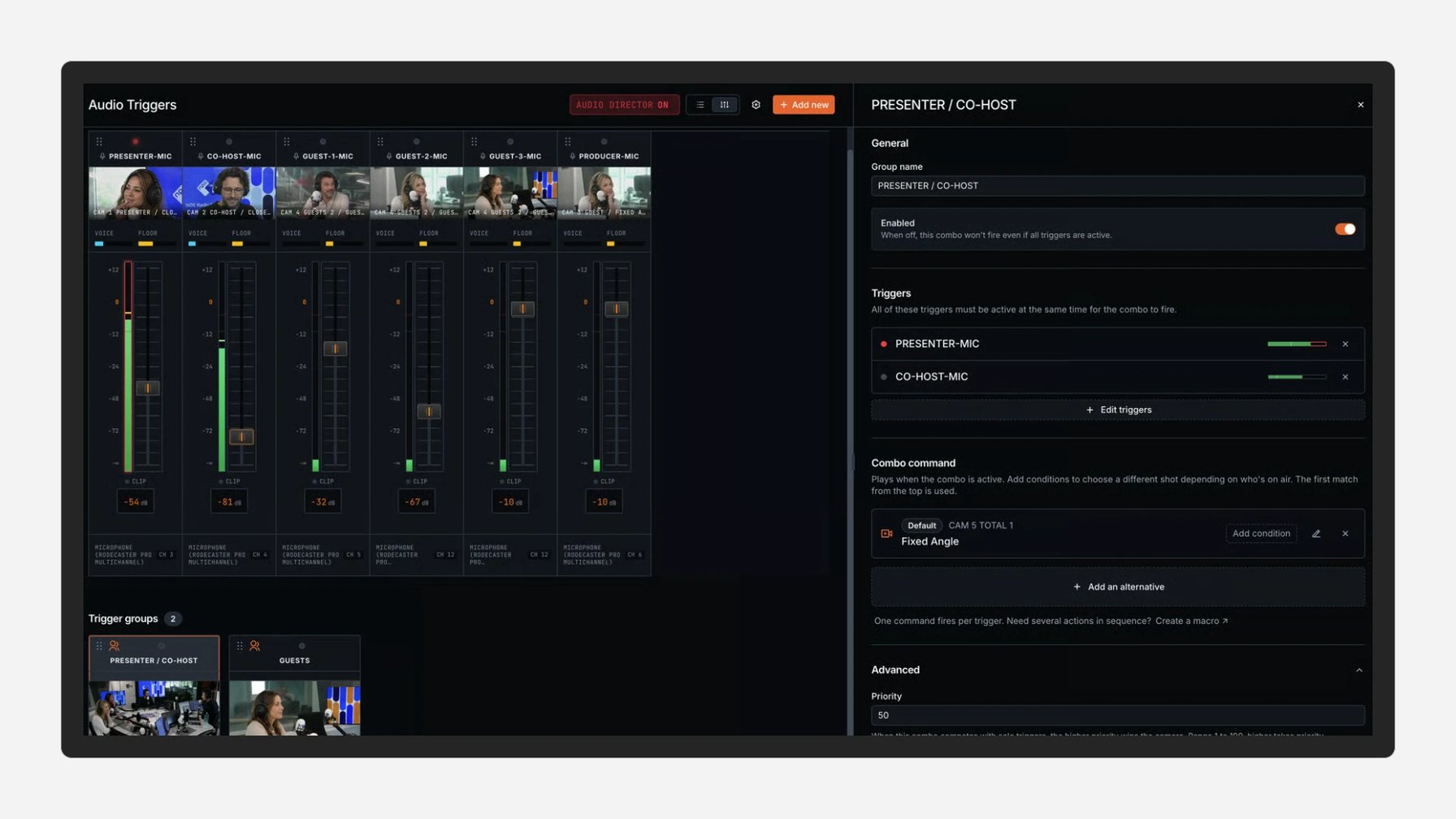
The group needs a higher priority than its members, or the solo triggers keep the camera. Its release time holds the 2-shot through a short pause, so a breath between sentences does not send the program back to a single.
Smart Director runs the conversation for the whole studio. It holds the 2-shot while the back and forth lasts, and gives one person their single back when they keep talking. It also will not cut straight back to a 2-shot it just left, because that flip-flop is exactly what viewers notice. You set how much back and forth counts as a conversation, and how long a 2-shot holds.
Keep a long turn moving: alternative angles
A three-minute monologue on one shot starts to look like a webcam. Alternative angles give a trigger a pool of other shots. On a long turn VRA cuts away to one of them at random, then goes back to the main shot.
How long the main shot holds before a cutaway is random, between a minimum and a maximum: 10 to 20 seconds by default, and never more than 30. A host reading the news gets a side angle now and then, and the close-up in between.
The angles can also follow the program on air, so the morning show uses a different angle on the same mic.
The cut waits for the camera
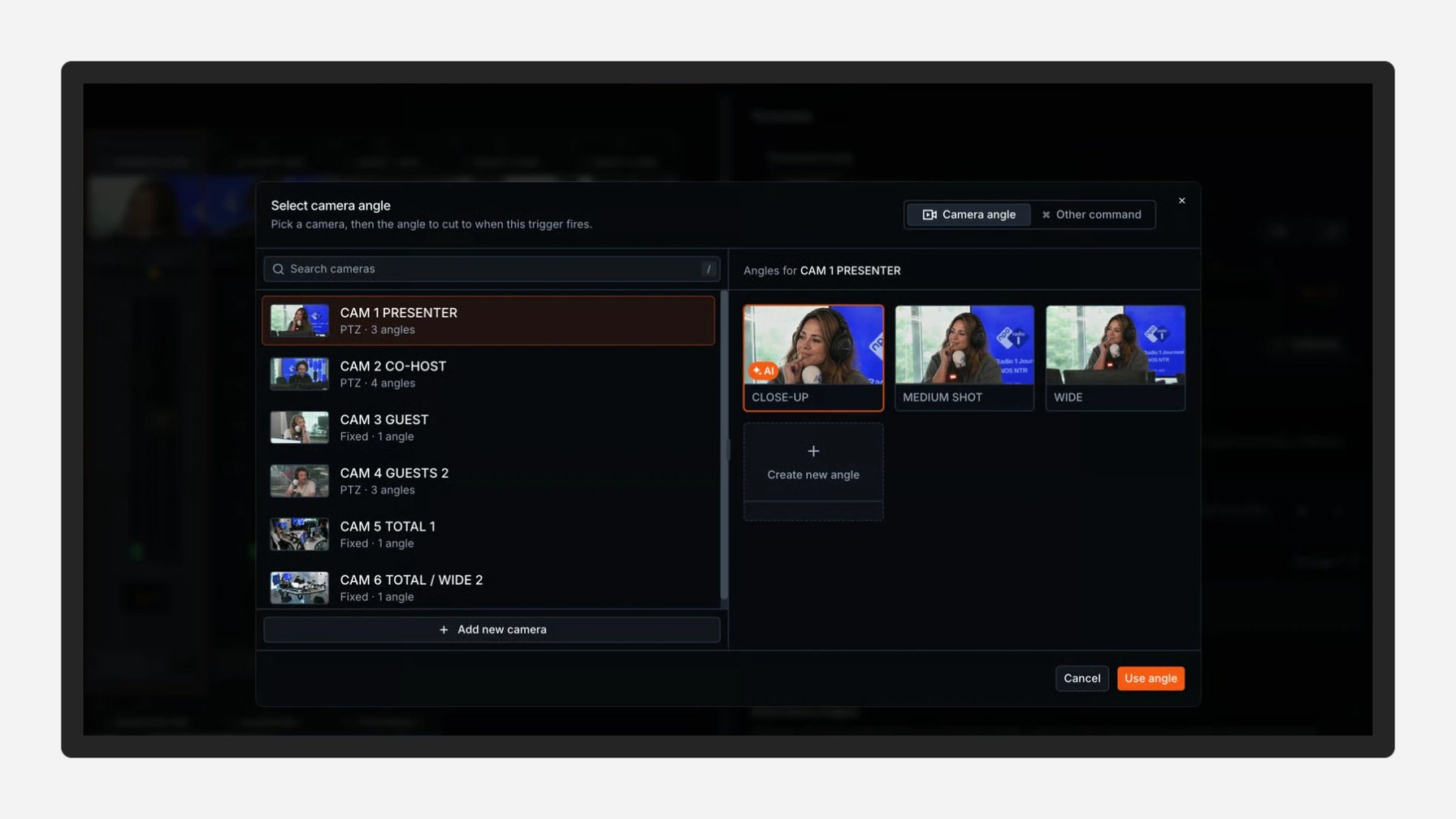
A rule can point straight at a camera angle, no command needed. If you run PTZ cameras with Camera Assist, the Audio Manager checks that the camera reached the angle before it cuts. If it did not arrive in time, the cut is canceled and the studio falls back, so viewers see a fallback shot instead of a camera still moving. You can also turn on a pre-shot, which moves the camera to the angle off air before the cut.
Migrate in three steps
Studios on v1 move over from the migration page, one studio at a time. You update the current Audio Manager, upgrade to the new one, then migrate the studio's triggers and inputs across. The Audio Manager on the studio PC has to be running, because the page waits for the new one to come online. Audio switching stops while the new one installs, so do it outside a show.
Your devices, inputs, triggers, priorities, thresholds, conditions, talk time and fallback come along. Then you calibrate each mic once, set your priorities and create your trigger groups, because v1 had none. If a trigger had several commands, check its alternative angles. The previous Audio Manager is supported until 21 December 2026.
A threshold you can check
The threshold that used to be a guess is now measured. When the camera goes somewhere you did not expect, the strip and the history show which mic opened. Audio decides who is on camera, and if you run PTZ cameras, Camera Assist frames that shot.
The Audio Manager docs cover calibration, groups and the migration. Studios already on VRA can move over one studio at a time. Book a demo and we will show it on a studio like yours.
More from the blog
All posts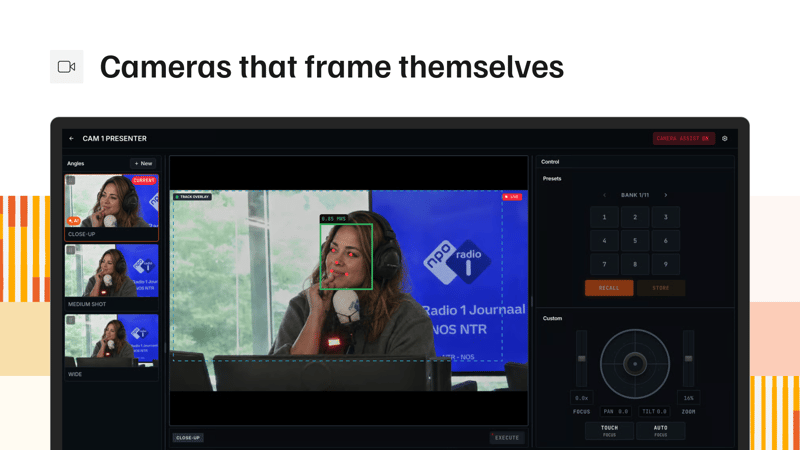
Product · 27 August 2026
Automatic PTZ Framing in Visual Radio: Meet Camera Assist
Camera Assist gives every PTZ camera a broadcast shot to hold, not a person to follow. It corrects framing while the camera is off air, so the shot is already right the moment it is taken.
4 min read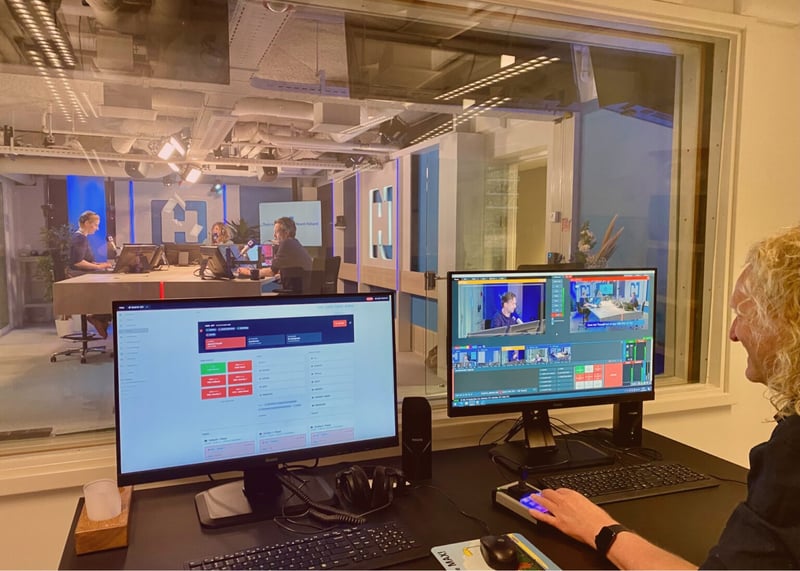
Press · 24 May 2023
NH Radio Automates With Visual Radio Assist
Visual radio broadcasts offer an excellent opportunity to create additional engaging content, allowing broadcasters to reach their listeners on multiple platforms including social media.
2 min read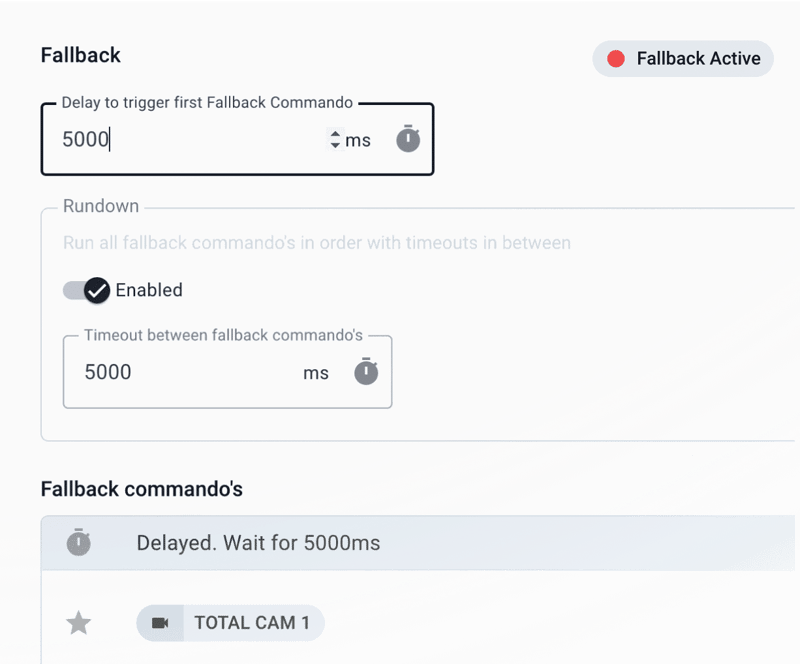
Product · 24 January 2024
More Audio Manager Control
Launching new features to help you trigger more complex fallback scenario's.
1 min read