
"Is there a way or a plugin to switch between scenes or cameras with voice from different cameras or mic." Someone asked it on the OBS forum. The answer is no. OBS has no automatic camera switching of its own. It changes scenes when someone clicks, presses a hotkey or sends a remote command, and a microphone opening is none of those.
In broadcast, what the forum is asking for has a name: video follows audio. The picture cuts to whoever is talking. Plugins can change an OBS scene when a level crosses a threshold. But a level is loudness, and a cough or a laugh is loud too.
Visual Radio Assist adds voice-activated camera switching to OBS. It listens to the studio mics for speech and tells OBS which scene to put on program. OBS still renders the picture, records and streams. VRA only decides when each scene goes on air.
The example studio has two presenters and a guest, on three mics and three cameras.
What you need
OBS Studio 28 or newer. It ships with obs-websocket v5, which is what VRA connects to, and the default port is 4455. OBS 27 and older use the old websocket protocol and will not connect.
In OBS, build one scene per camera: Presenter 1, Presenter 2, Guest. Add a wide scene for when two people talk at once. Pick names you will recognize later, because VRA shows the names you chose.
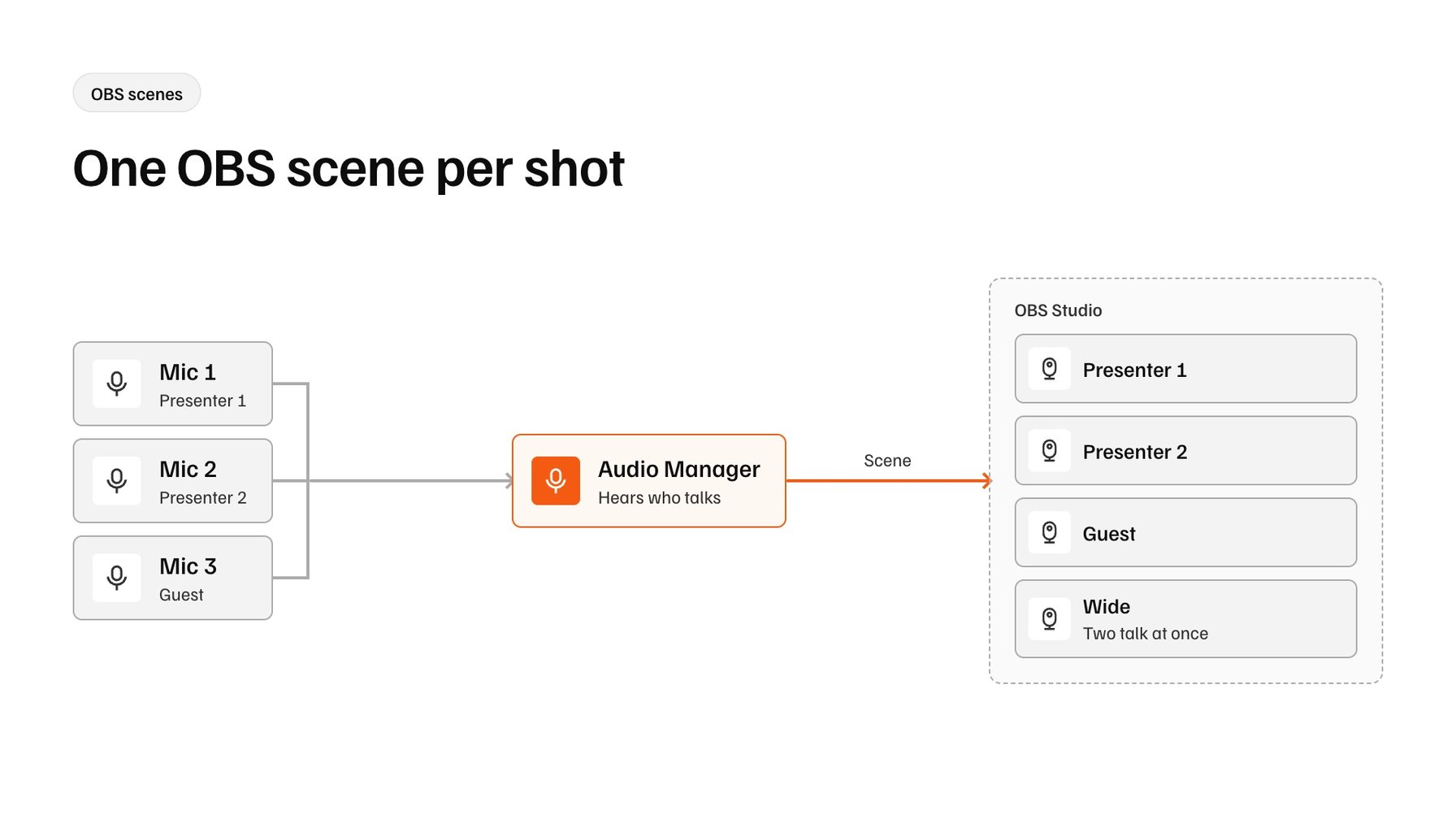
The studio mics have to reach the PC at your station that runs the new Audio Manager. Use the sound card or audio network you already have. VRA listens to the mics and never changes the station audio.
Connect OBS to VRA
In OBS, open Tools, then WebSocket Server Settings. Enable the server, note the port and set a password.
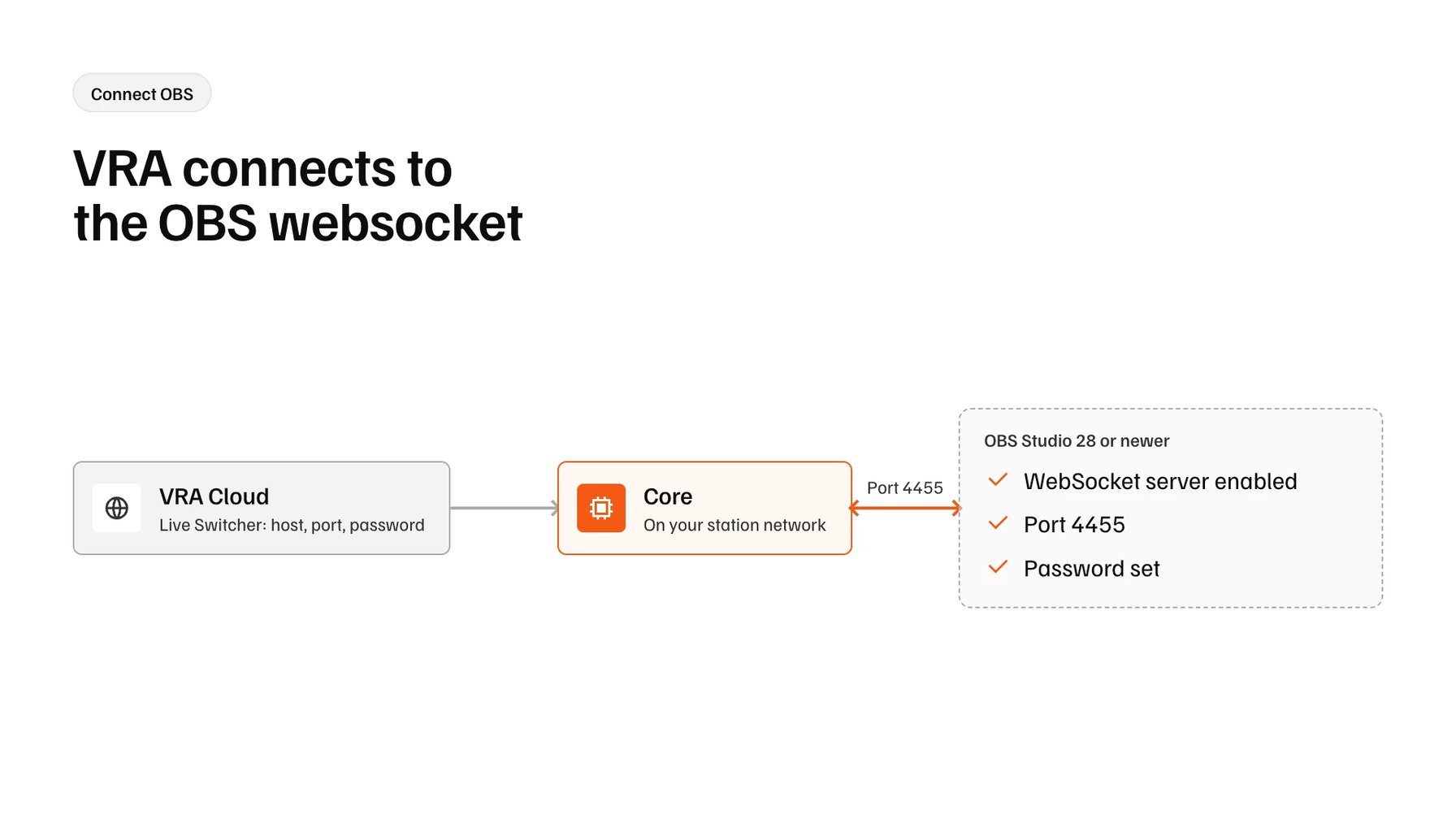
In VRA Cloud, add a Live Switcher and choose OBS. Enter the host, port and password of the OBS machine. OBS does not have to run on the same PC as VRA, as long as VRA can reach that port through the firewall.
Once it connects, VRA mirrors your scene list and shows which scene is on program. Change the scene by hand in OBS and VRA follows. That tests the connection before any mic is involved.
Automatic camera switching, one trigger per mic
Each mic gets an audio trigger, and each trigger cuts to its own scene. Presenter 1's mic opens and OBS goes to the Presenter 1 scene. The guest answers and OBS goes to the guest.
A trigger listens for speech, not loudness. Each mic is filtered to the voice band and scored on the rhythm and pitch of speech. Music, hum and coughs fire it less often than they would on a plain level threshold. It is fixed signal processing. Nothing learns, and there is no speech recognition.
Most people guess the threshold. The calibration wizard in VRA Cloud takes three steps instead: stay quiet, talk normally, then accept the recommended margin above that mic's own background. It warns you when speech sits too close to the room noise for level alone to tell them apart.
Some mics reach the PC unprocessed, with no console gate or compressor in front of them. Mark that input as not processed. Then start from the preset for the mic, such as a Shure SM7B or a Neumann TLM 103.
Hold through short pauses
People breathe, think and leave half a second of air between sentences. Without a hold, OBS would cut away on every pause and come back a moment later.
Talk time is how long a speaker must be quiet before VRA releases the shot. The studio default is 2 seconds, and you can raise it.
Some presenters talk in short bursts and some leave long gaps. Each trigger can override the studio talk time, so the one presenter who pauses a lot gets a longer hold and the other two keep their pace.
A wide shot when two talk at once
Single scenes cover people taking turns. In a conversation, two presenters talking over each other would flip OBS between their scenes again and again.
Put both presenter mics in a trigger group and point it at the Wide scene. The group fires when two or more of its mics talk at once, or keep answering each other. Add the guest mic and the group of three fires with two, so the guest and one presenter can share the wide as well.
The Smart Director decides how long to stay there. By default it holds the wide once it hears three turns back and forth within four seconds. When one person keeps talking, it goes back to their single. The Smart Director only acts when the studio has trigger groups, so create at least one.
In OBS, VRA switches scenes and nothing else. There is no separate overlay layer for it to control, so build the overlay into the scene. Make a Presenter 1 scene with the now playing bar and one without, then point the trigger at the one you want.
VRA can fill that now playing bar from your schedule and radio automation. Add VRA graphics to each scene as an NDI source. OBS needs an NDI input plugin, such as DistroAV, to receive them.
Run the show
Stream and record from OBS the way you do now. You can also start and stop the OBS recording from VRA Cloud. It shows the recording state with its timecode and file size, so the recording is ready to cut when the show ends.
When a moment needs a human, take over in OBS, or on the Live Switcher page in VRA Cloud from any browser.
The Connect with OBS video guide shows the connection being made step by step.
If part of your chain is something VRA does not connect to yet, we build that integration for you. Book a demo and we go through your mics, cameras and OBS setup with you first.
Frequently asked questions
Can OBS switch scenes automatically based on audio?
Not on its own. VRA listens to the studio mics and changes the OBS scene when a presenter starts talking. You build a scene per shot in OBS, and VRA decides when each one goes to program.
Which OBS version does VRA need?
OBS Studio 28 or newer, which includes obs-websocket v5 on port 4455 by default. OBS 27 and older do not connect.
Does OBS have to run on the same PC as VRA?
OBS can run on another machine, as long as VRA can reach its websocket host and port through the firewall.
More from the blog
All posts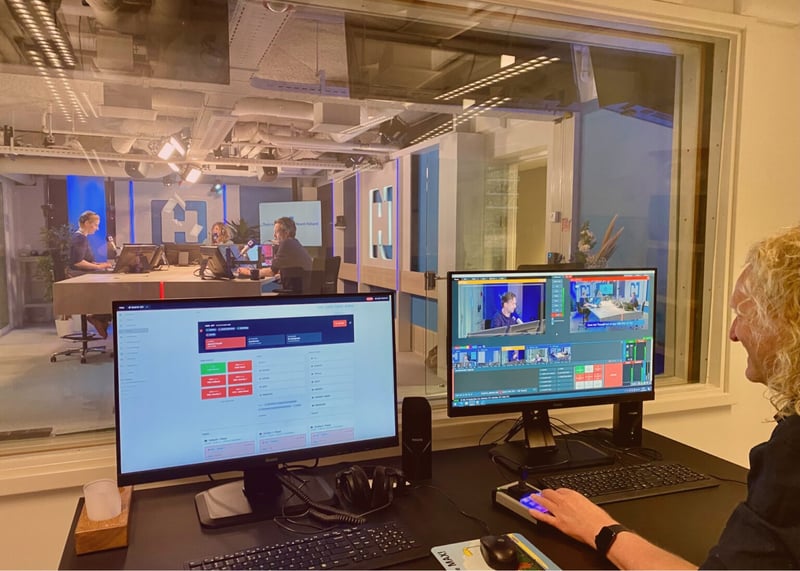
Press · 24 May 2023
NH Radio Automates With Visual Radio Assist
Visual radio broadcasts offer an excellent opportunity to create additional engaging content, allowing broadcasters to reach their listeners on multiple platforms including social media.
2 min read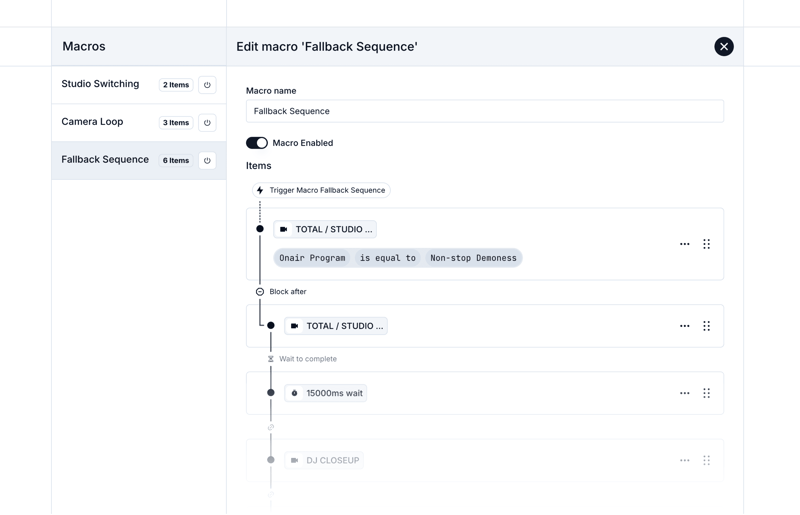
Company · 18 April 2025
Create Advanced Trigger Patterns with Macros
Simplify live broadcast control with Macros in Visual Radio Assist. Group multiple commands, such as camera switches, PTZ presets, DSK controls into a single action for smooth fallback scenarios or complex transitions
2 min read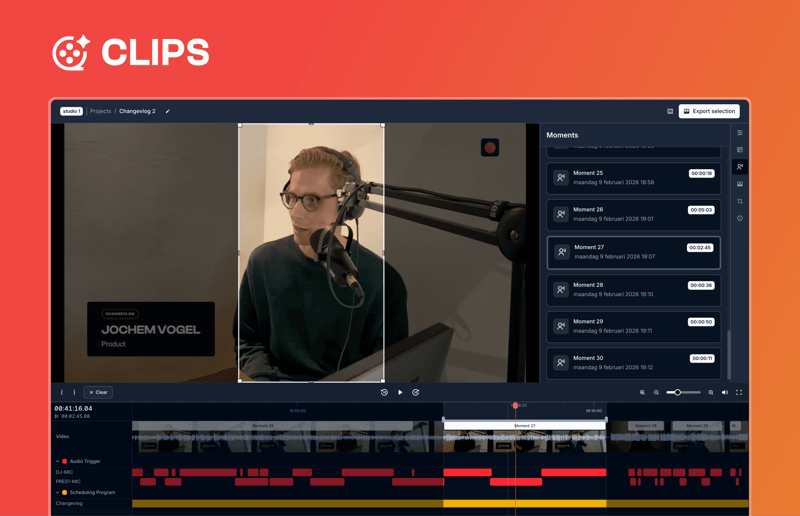
Product · 12 February 2026
Turn your Radio Show into Social Media Clips in Minutes
Introducing Visual Radio Assist Clips: A New Approach to Post-Production
3 min read