Latest
4 November 2026
4.7.29
Visual Designer: animate and brand your graphics
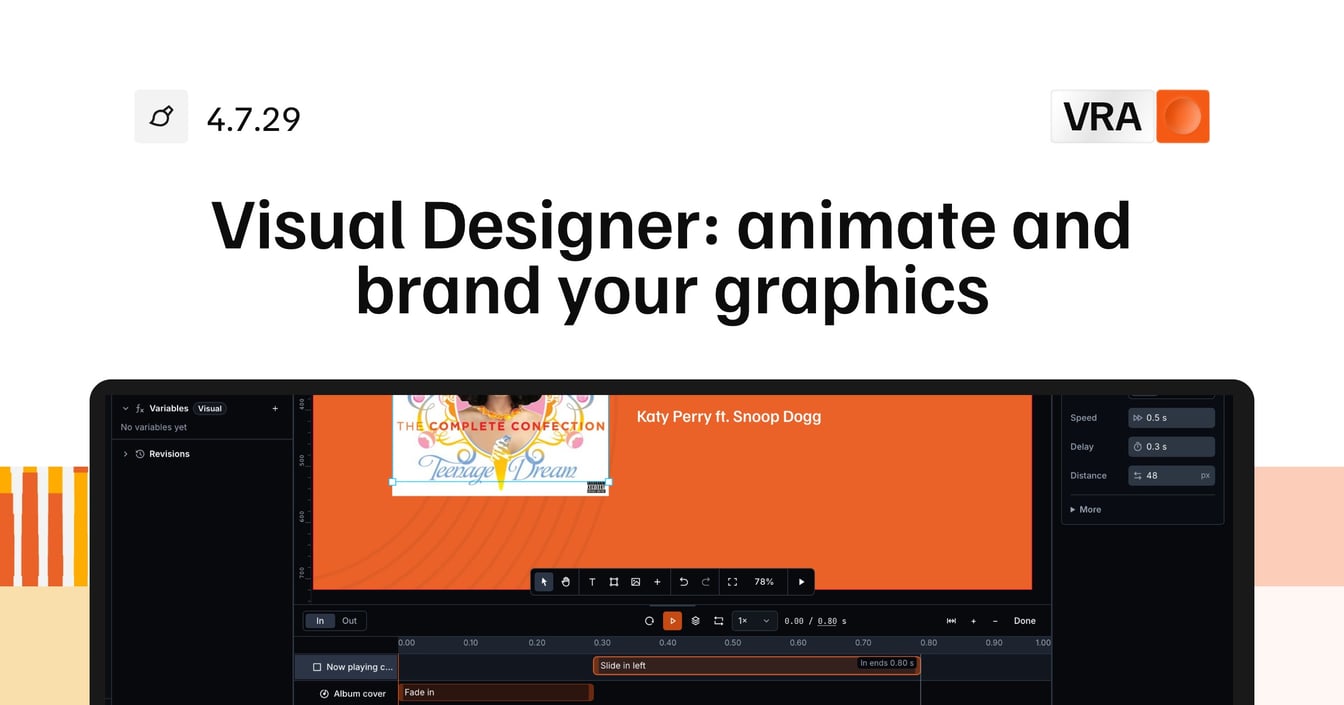
Animating a graphic used to mean picking a transition mode, setting fades layer by layer, or writing your own CSS and code. You could not see the timing of a whole visual in one place.
New
- Visual DesignerEvery animation sits on one timeline, where you add presets such as Slide in, Scale in and Wipe and drag them to set their timing.
- Visual DesignerAnimate all layers gives every layer the same animation at once, each one starting a little after the one before.
- Visual DesignerBodymovin animations play in the timeline, and you can drag their start and stop.
- Visual DesignerPaste or drop images and videos on the canvas to add them as layers.
- Visual DesignerSafe areas and a camera still behind the canvas show where your graphic lands in the picture.
- SettingsYour brand colours, fonts and logos in station settings, filled in by hand or from your website, and linked from every colour picker.
- Visual DesignerImport a Photoshop file as editable layers, or let VRA build a first version of a graphic in your brand.
Improvements
- Visual DesignerVisuals has its own place in the sidebar, with Overview, Designer, Templates and Variables.
- Visual DesignerSaving a visual asks first, because the change goes straight to every output that shows it, and the confirmation offers an Undo.
- SettingsTime fields read as a clock, so you type 1:30 instead of a number of milliseconds.
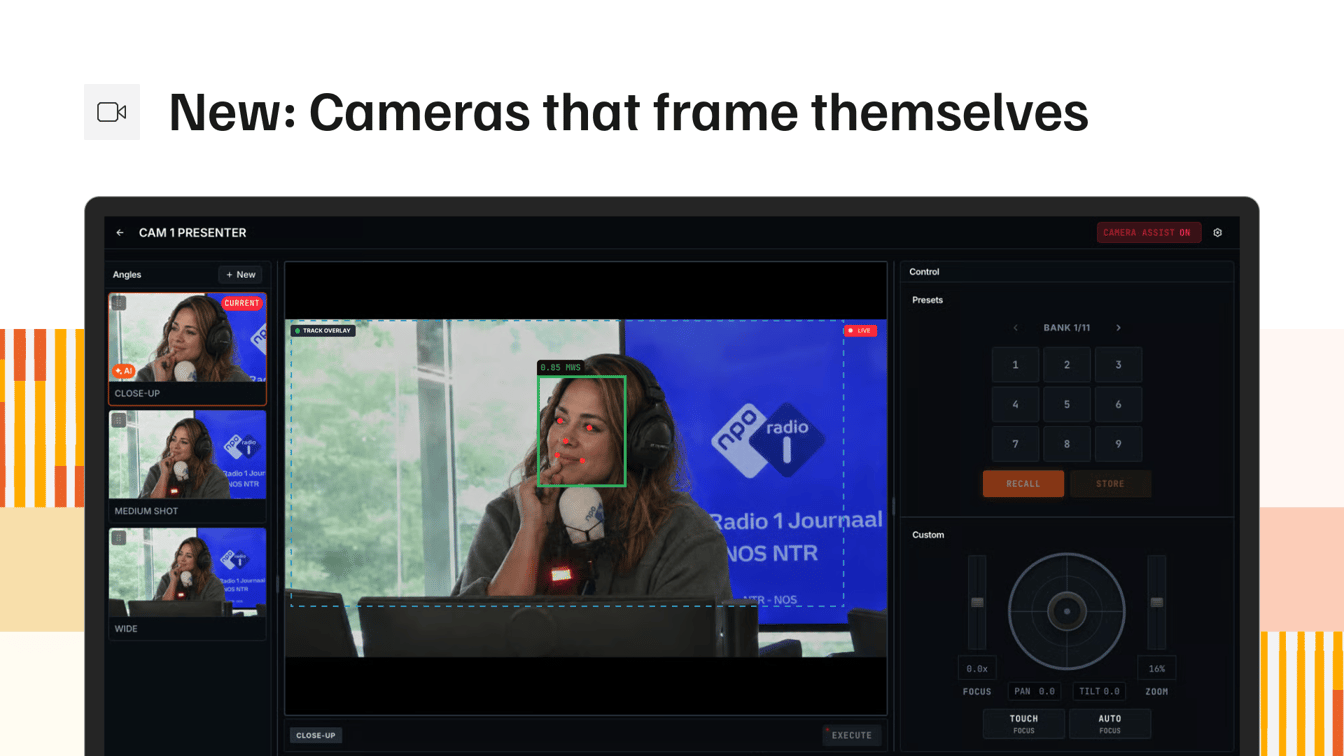
- CamerasMove pan, tilt and zoom with the numpad in the camera editor.
- ClipsRetry a failed export from the exports list.
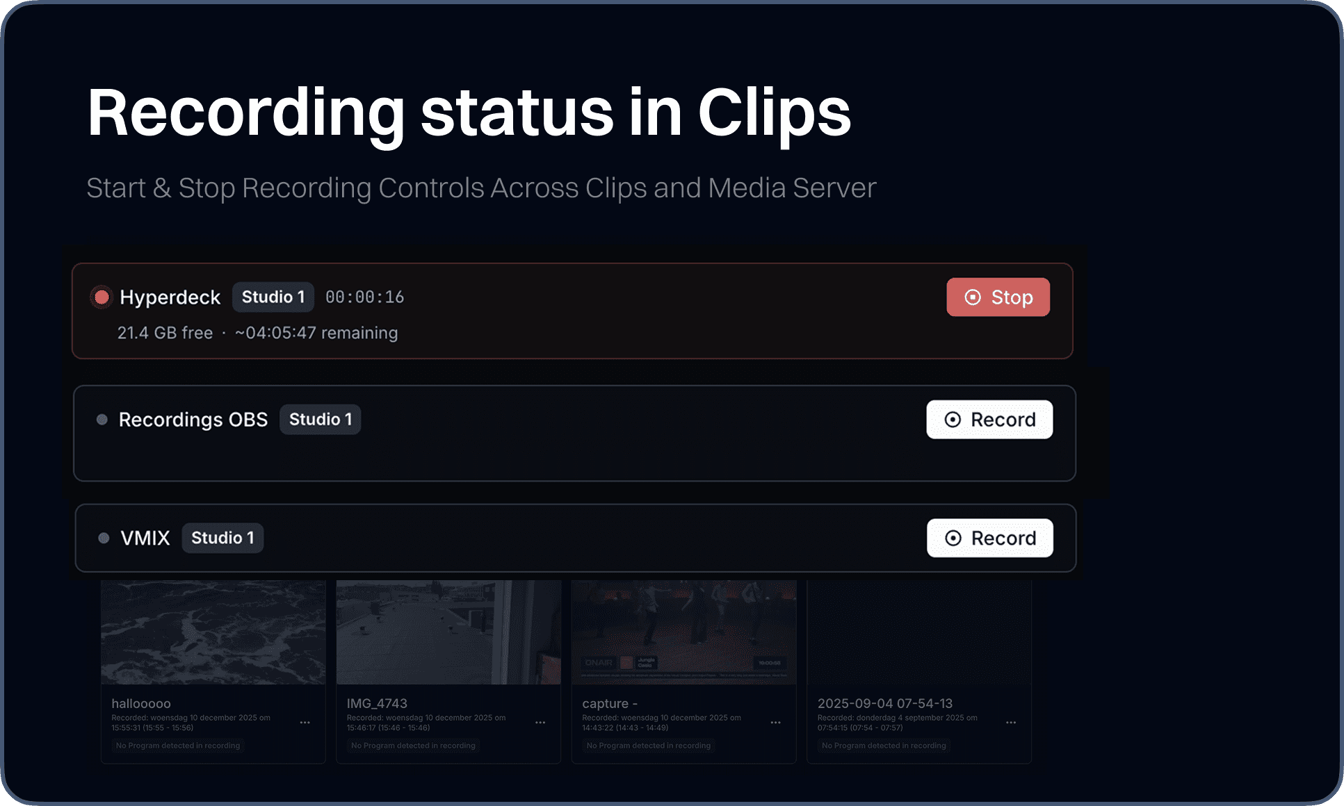
- ClipsSet an audio delay per media connection, so recordings come out in sync with the picture.
- SchedulingHover a presenter to see their photo, station and the programs they present.
Fixes
- Media ServerThe ingest sources list shows every source, not only the first ten.
- PlayoutDragging an item in the Episode Composer while the output player updates no longer leaves a stray copy of the item in the list.