How can I automatically switch cameras in my radio studio based on who is talking?

Hidde Schultze
Technical Founder
Automatic camera switching in a radio studio follows who is talking on each mic. Every presenter and guest gets their own mic channel, and software listens to each one to decide who has the floor. Then it cuts the switcher, or moves a PTZ camera to that person's angle.
Visual Radio Assist does this with the Audio Manager, which runs on a PC at your station. It drives the switcher you already have, such as a Blackmagic ATEM, vMix or OBS. It listens for speech in the voice band, 80 to 3400 Hz, instead of for loudness, so music, hum and a cough are no reason to cut. When two people talk back and forth, the Smart Director holds a two-shot instead of cutting on every reply. When nobody talks, a fallback runs the shots you set, such as your wides.
Four ways stations switch on who is talking
Fader or mic tally
The camera follows whichever fader is open. It is cheap and predictable, but an open fader is not someone talking. A host who keeps their fader up all show never leaves the shot.
Loudness gate
The switch cuts when a channel crosses a level. It also cuts on music bleeding into a mic, a laugh, or a mug put down on the desk. This is how VRA used to do it: the previous Audio Manager averaged the raw level across the whole band.
Speech detection
Each mic is filtered to the voice band and scored on the rhythm and pitch of speech. A burst suppressor handles coughs and knocks. This is what the current Audio Manager does. It is fixed signal processing with no AI model and no speech recognition, and it does not learn your studio over time.
Video analysis
Some systems watch the picture to see who is talking. VRA does not. It works from the mics.
How automatic switching handles a conversation
A conversation breaks a switcher that only follows the loudest voice. Every "yes" and "mm" from the guest becomes a cut, and viewers watch the picture bounce between two faces.
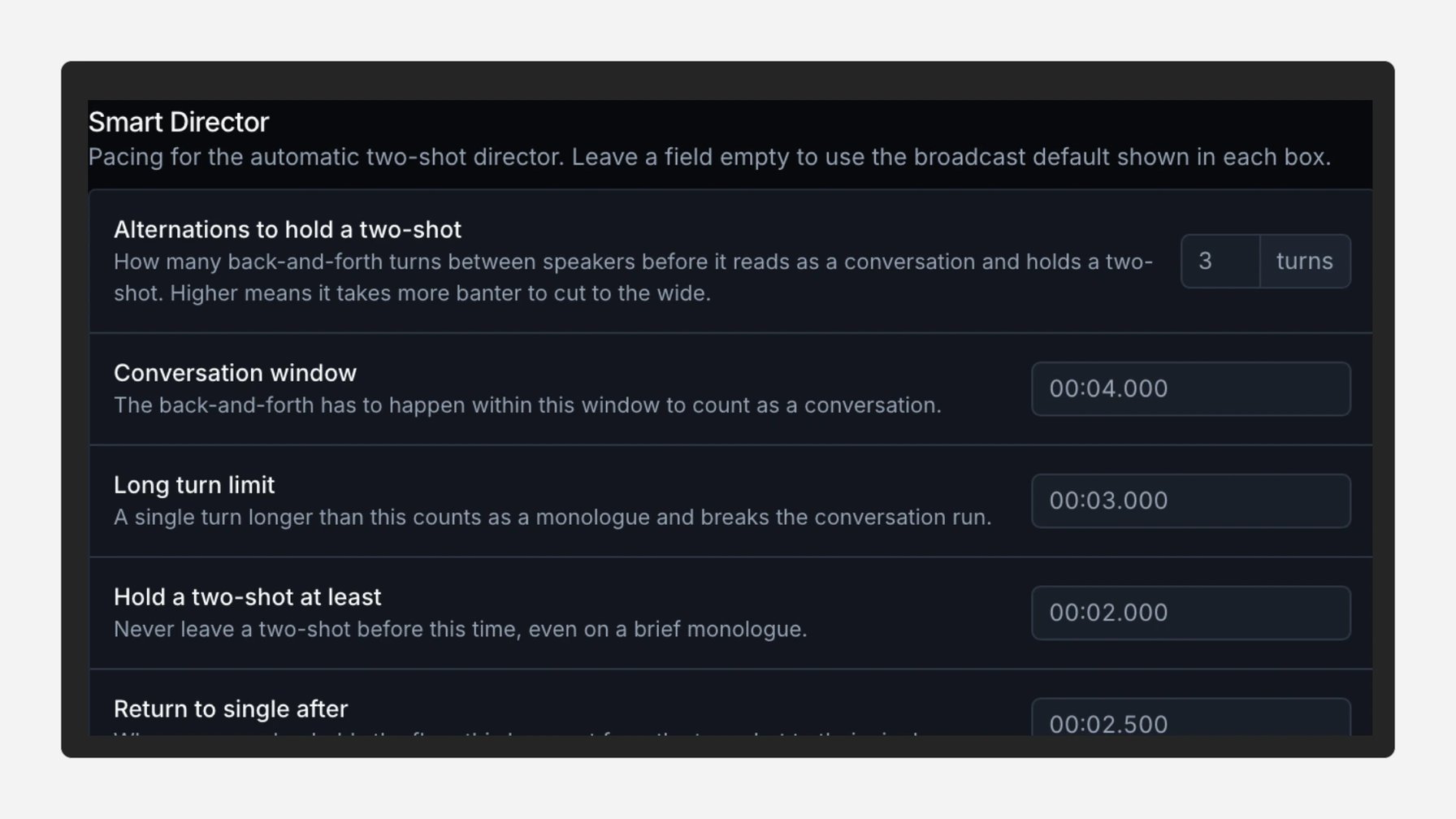
By default the Smart Director goes to a two-shot after 3 turns back and forth within 4 seconds, and holds it for at least 2 seconds. When one person keeps talking for 2.5 seconds, it goes back to their single. A 1.5 second guard stops it flipping straight back to the two-shot it just left.
On a long answer it cuts to an alternative angle of the same person, every 8 seconds by default, so a five-minute interview is not one static shot.
The two-shot comes from a trigger group: one shot for several mics, like the host and the guest. A group fires when two of its mics talk at once for 250 ms, or when they keep answering each other. In a group of three, two people talking is enough.
All seven Smart Director settings can be changed per studio in VRA Cloud. A studio full of quick banter can hold its two-shots shorter than one built for long interviews.
Setting it up in a real studio
Each mic channel gets its own trigger. When the setup recognizes your audio driver, like Dante Virtual Soundcard, it offers to create them for you.
Then every mic gets a calibration. The presenter stays quiet for a few seconds, then talks normally, and the wizard recommends a margin above that mic's own background. If speech comes in less than 12 dB above the room, it warns you. That usually means moving the mic or giving it a different input.
Each trigger points at a camera angle. With Camera Assist, the cut waits until the camera confirms it has reached that angle. If it does not get there in time, the cut is cancelled and the studio falls back, so viewers never see a PTZ camera still on its way. With pre-shot on, the camera moves to the angle off air before the cut.
You also set a fallback for silence. Both the rules and the fallback can depend on which show is on air and who presents it, so every show and presenter can get their own shots.
A producer who wants to call the shots by hand can pause automatic switching. The fallback keeps running while it is paused.
What audio-based switching cannot do
It does not know who a person is. A trigger is a mic, not a name, and there is no speaker identification.
Bleed is not solved. Someone talking into a closed or shared mic stays ambiguous, which is why VRA needs one mic per person.
A cut never comes the instant someone starts speaking. A trigger waits until the speech has lasted a moment, so a short noise does not cause a cut. That wait is 500 ms by default, and you can shorten it per trigger at the cost of more false cuts.
It never touches station audio: VRA does no mixing, routing or ducking.
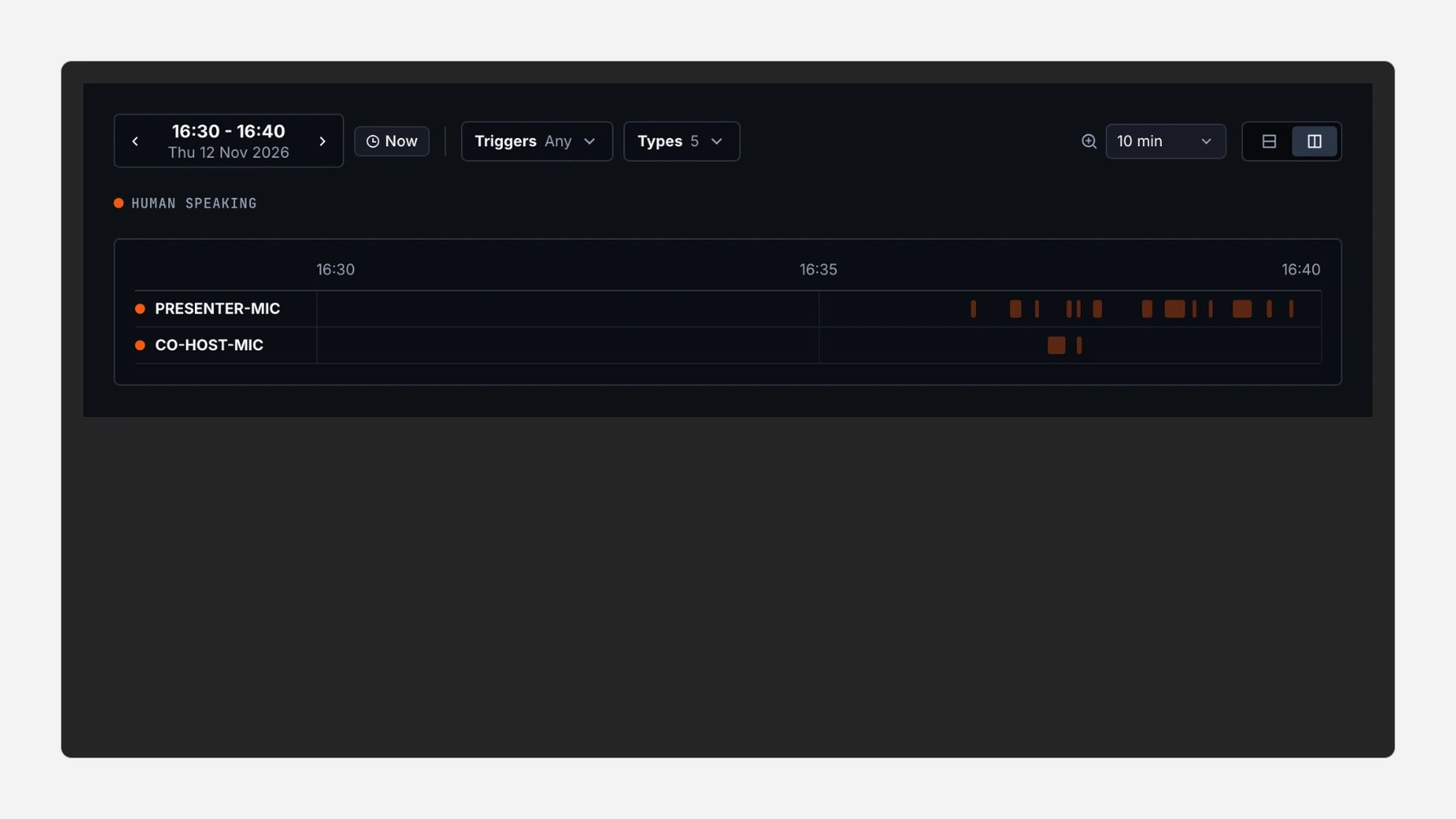
After a show you can scrub back through the audio history and see which mic held the floor, for the last 30 days. That is where you tune thresholds. It records the mics only, so it will not tell you why a camera was chosen.
Frequently asked questions
Does automatic camera switching work with an ATEM, vMix or OBS?
Yes. The Audio Manager drives the switcher you already run, such as a Blackmagic ATEM, vMix or OBS. If VRA does not connect to yours yet, we build that integration for you.
Does VRA use AI to detect who is talking?
The Audio Manager filters each mic to the voice band and scores the rhythm and pitch of speech. There is no AI model, no speech recognition and no video analysis.
What happens when two people talk at the same time?
A trigger group gives them a two-shot. It fires when two of its mics talk at once, or when they keep answering each other. The Smart Director then holds that two-shot instead of cutting on every reply.
Do I need a microphone for every person?
Yes. VRA works from one mic per person. Someone talking into a shared or closed mic stays ambiguous.
What you need for automatic camera switching
For a show that switches itself, with nobody sitting at the switcher, you need:
- One mic per voice.
- The switcher or PTZ cameras you already have. If VRA does not connect to yours yet, we build that integration for you.
- The Audio Manager, on a PC at your station.
- A calibration for every mic.
- A trigger group for every pairing that talks together, like host and guest.
To see it switch on your own mics and cameras, book a demo.
More from the blog
All posts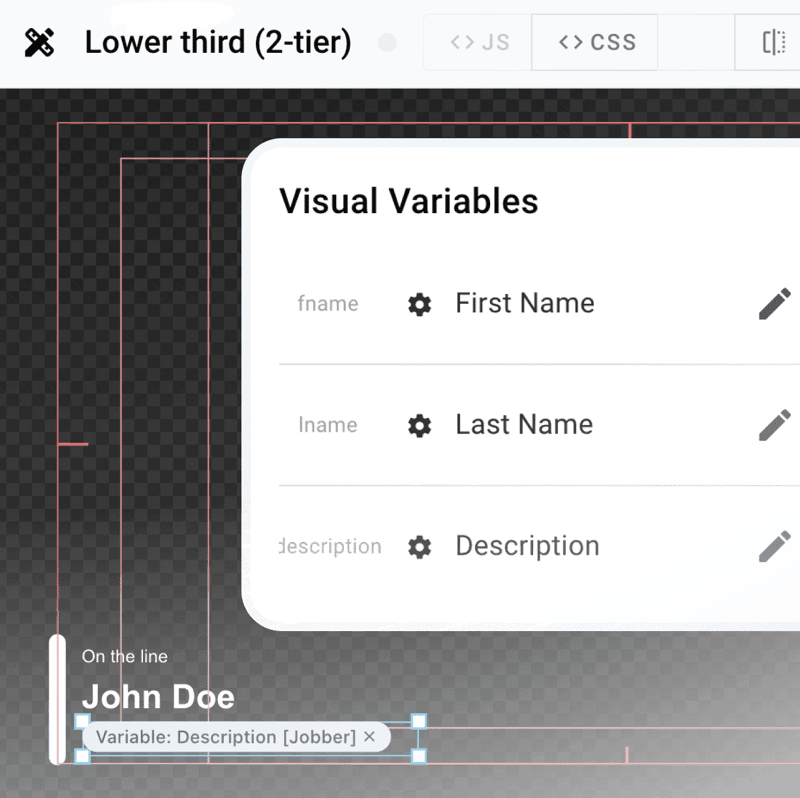
Product · 24 January 2024
Introducing Visual Variables
Make last second changes to your upcoming Visuals, with Variables.
3 min read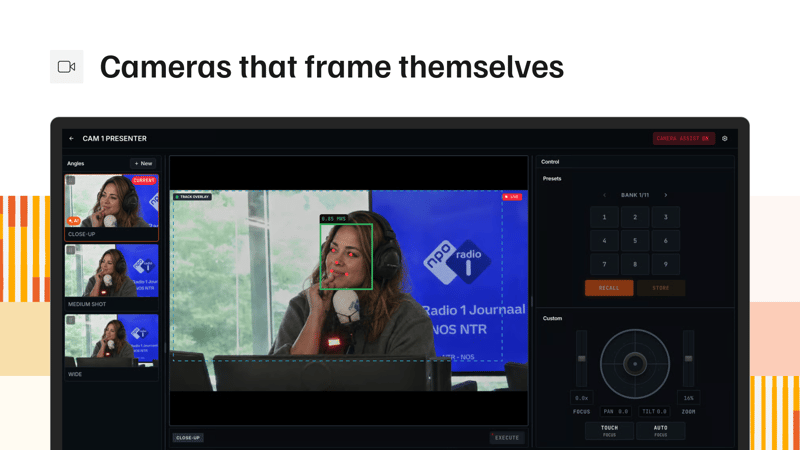
Product · 27 August 2026
Automatic PTZ Framing in Visual Radio: Meet Camera Assist
Camera Assist gives every PTZ camera a broadcast shot to hold, not a person to follow. It corrects framing while the camera is off air, so the shot is already right the moment it is taken.
4 min read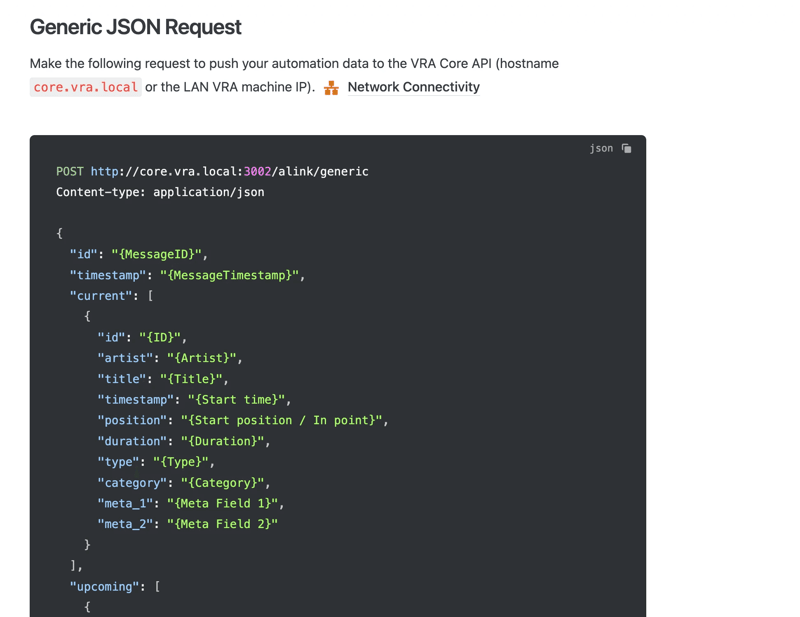
Product · 5 September 2023
AutomationLink API Connectivity
POST custom trackinfo from your own integration with the Visual Radio AutomationLink
1 min read